

Designing workflows for Large Language Models (LLMs) has evolved. Event-driven tools now dominate the space, offering better handling of triggers, state management, and scalability. Here’s a quick breakdown of the best tools for building these workflows:
-
Latitude: Open-source, flexible integrations, and real-time updates. Great for prompt versioning and production-grade applications.
-
crewAI: Python-based framework with multi-agent collaboration and strong LLM integrations. Popular among Fortune 500 companies.
-
Inngest: Durable execution for LLM calls, high concurrency limits, and tools like AgentKit for multi-agent systems.
-
Pipedream: Code-first automation with pre-built integrations and AI Agent Builder for quick LLM deployment.
-
Zapier: No-code platform with 8,000+ app integrations, ideal for simple, linear LLM workflows.
-
Temporal: Open-source, durable execution for long-running workflows, and strong error-handling for LLM tasks.
-
Kestra: YAML-based orchestration with real-time triggers and AI Copilot for workflow generation.
-
n8n: Visual automation with LangChain support and robust scalability for AI-powered workflows.
-
Make: Drag-and-drop interface with AI-driven orchestration and pre-built AI app modules.
-
Apache Airflow: Open-source orchestration with event-driven scheduling and strong LLM provider support.
These tools simplify creating workflows by offering features like real-time triggers, LLM integrations, and scalable architectures. Depending on your needs, choose a tool that balances ease of use, customization, and scalability.
Quick Comparison
| Tool | Open Source? | Key Features | Best For |
|---|---|---|---|
| Latitude | Yes (LGPL-3.0) | AI Gateway, real-time updates, multi-agent scaling | Production-grade LLM workflows |
| crewAI | Yes (MIT) | Multi-agent systems, fast execution | Complex task delegation |
| Inngest | Hybrid | Durable execution, concurrency limits | High-volume LLM tasks |
| Pipedream | No | AI Agent Builder, code-first automation | Custom LLM workflows |
| Zapier | No | No-code, 8,000+ integrations | Simple, linear workflows |
| Temporal | Yes | Durable execution, error-handling | Long-running workflows |
| Kestra | Yes | YAML-based, AI Copilot | Data pipelines, AI orchestration |
| n8n | Yes | Visual design, LangChain support | Modular AI workflows |
| Make | No | Drag-and-drop, AI-driven orchestration | Goal-driven automation |
| Apache Airflow | Yes | Event-driven scheduling, LLM support | Complex, large-scale workflows |
Choose the tool that fits your technical expertise and project needs. Test free tiers to ensure compatibility with your workflows.
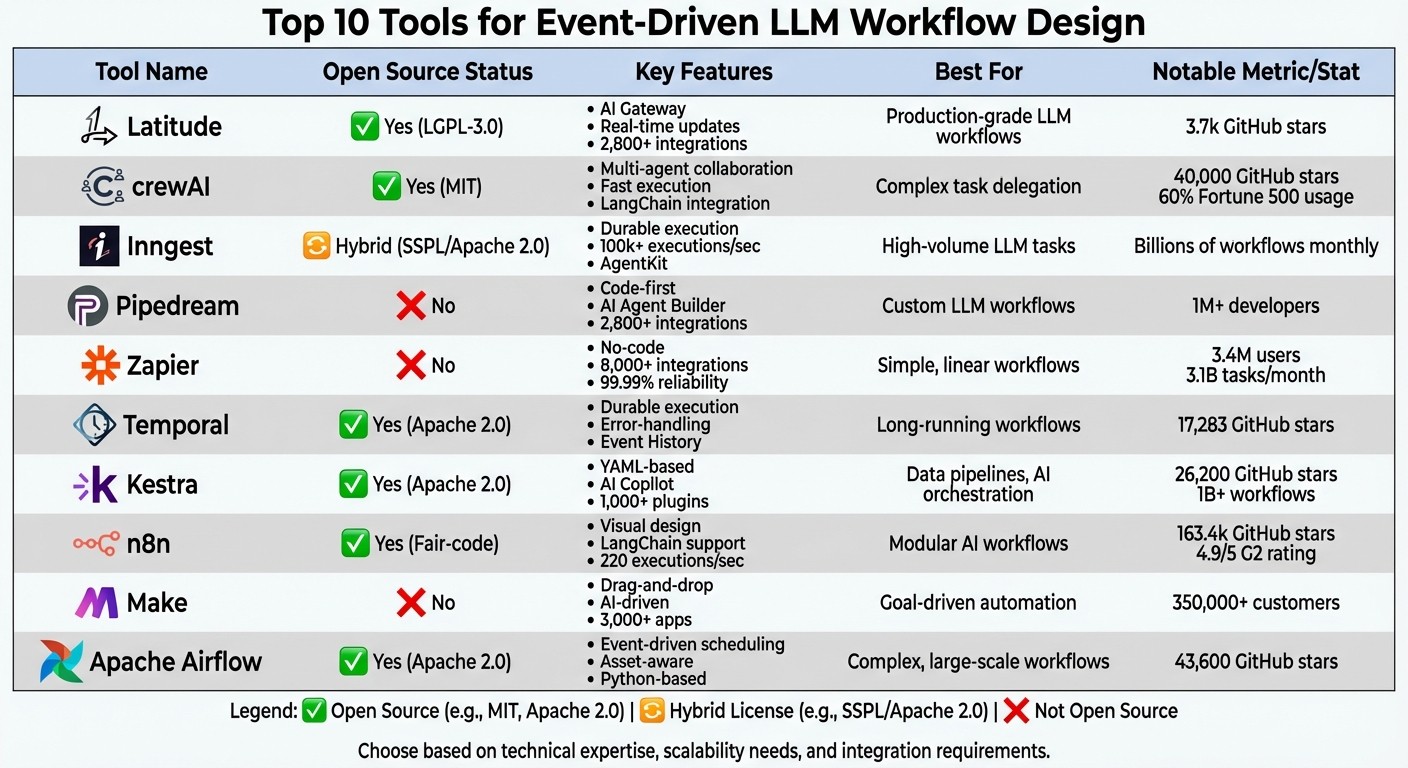
Comparison of Top 10 Event-Driven LLM Workflow Tools: Features, Licensing, and Best Use Cases
1. Latitude
Open-Source Status
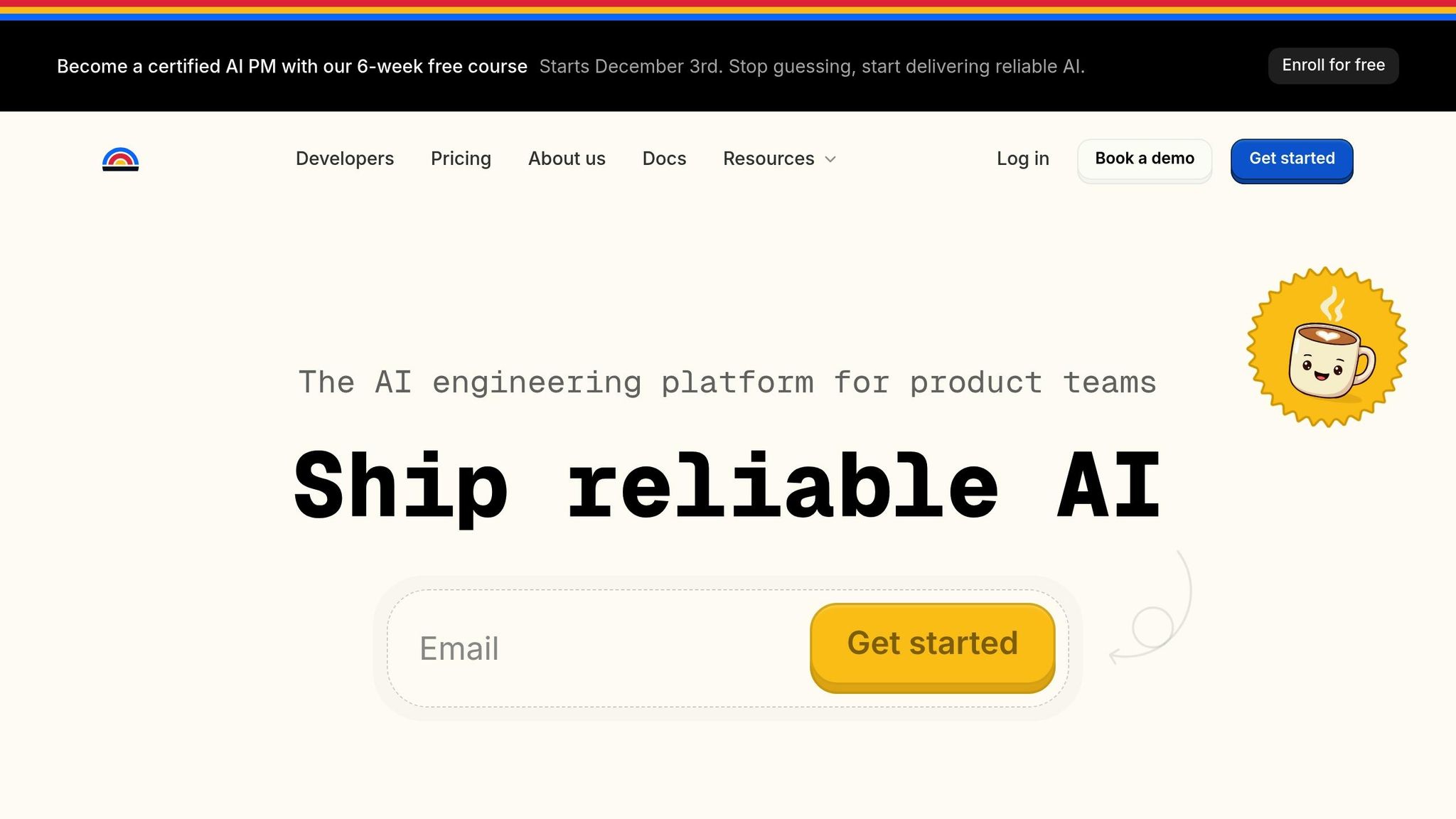
Latitude is an open-source AI engineering platform licensed under LGPL-3.0. It’s available as a managed cloud solution or for self-hosted deployment, giving users flexibility in how they implement it. The platform’s GitHub repository boasts 3.7k stars, showing solid engagement from the developer community. For organizations with specific compliance requirements, a commercial license is also available, alongside a free tier suited for initial development needs. This open-source foundation enables Latitude to handle event-driven workflows effectively.
Event-Handling Capabilities
Latitude uses a trigger-action architecture to kick off workflows based on various triggers like HTTP requests, database updates, scheduled tasks, or user interactions. During execution, it employs Server-Sent Events (SSE) to provide real-time updates. Specific events, such as latitude-event for chain progress and provider-event for AI updates, keep developers informed throughout the workflow. With the @step decorator in Python, developers can easily map specific events to individual workflow steps. To ensure stability, the platform enforces a rate limit of 1,000 activations per hour.
LLM Integration Ease
Latitude makes integrating large language models (LLMs) straightforward. Developers can use Python and TypeScript SDKs, a direct HTTP API, or the AI Gateway pattern , which acts as a proxy between your app and LLM providers. This setup allows you to update prompts or switch models directly from the Latitude UI without altering your application code. The platform also includes PromptL , a templating language that supports dynamic prompt construction with features like variables, conditionals, and loops.
As Alfredo Artiles, CTO at Audiense, puts it:
“Latitude is amazing! It’s like a CMS for prompts and agents with versioning, publishing, rollback… the observability and evals are spot-on”.
Scalability
Latitude is built for production-grade applications , supporting multi-agent systems where different workflow components can scale independently. It includes dynamic GPU management to maintain high performance and supports over 2,800 two-way integrations. Developers also benefit from full observability, with real-time insights into costs, latency, and performance metrics. These features make it a strong choice for modern, scalable applications.
Primary Use Cases
Organizations use Latitude for a variety of tasks, such as automated customer support triggered by email events, real-time inventory updates for e-commerce platforms, financial risk assessments for loan applications, and generating automated market monitoring reports. Many report a 40% boost in prompt quality and smoother collaboration between engineers and domain experts.
2. crewAI
Open-Source Status
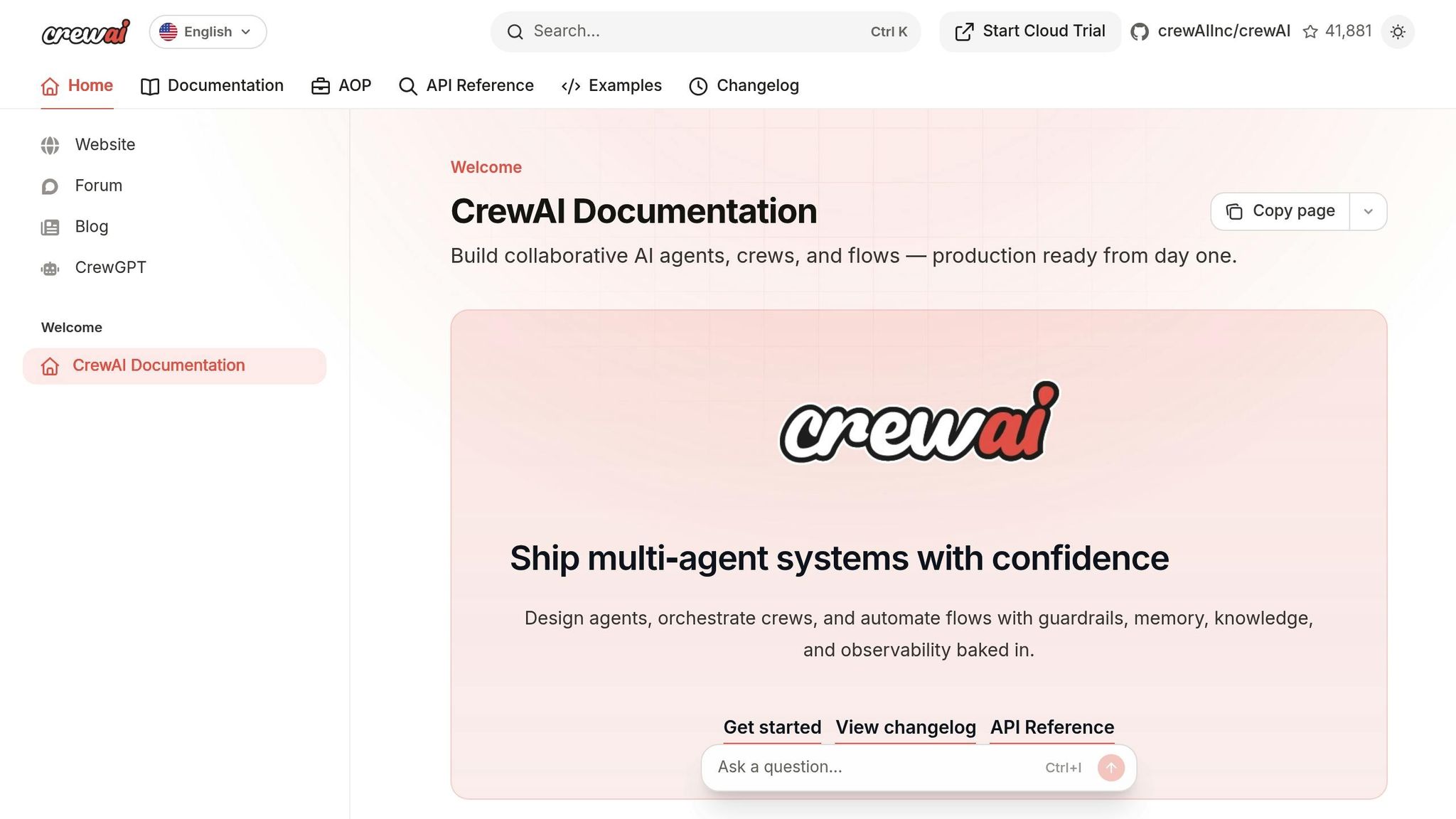
crewAI is an open-source Python framework licensed under the MIT License. It has earned an impressive 40,000 GitHub stars, is used by 60% of Fortune 500 companies, and has powered over 500 million multi-agent crew runs. The platform is available in a free core version, while the enterprise-level CrewAI AOP tier includes advanced features like the “Crew Control Plane” for improved tracing and observability.
Event-Handling Capabilities
At the heart of crewAI are its event-driven orchestration tools, known as crewAI Flows. Workflows are defined using decorators such as @start() to kick things off, @listen() to respond to event completions, and @router() for conditional branching. For more complex workflows, logical operators like or_ (triggering when any condition is met) and and_ (triggering when all conditions are satisfied) are supported. The framework uses Pydantic for secure state management, allowing seamless data sharing across events. Developers can also use the flow.plot() command to generate HTML diagrams, making it easier to debug and visualize workflow relationships [16,19].
LLM Integration Ease
crewAI integrates effortlessly with any LLM provider, including OpenAI, Anthropic, Google, IBM Granite, and local models via Ollama. It features a Strategic LLM Selection Guide and even supports custom LLM implementations. For monitoring and analysis, tools like Arize Phoenix, Datadog, and Langfuse are integrated into the framework. QA benchmarks reveal that crewAI delivers speeds up to 5.76× faster compared to alternatives [15,17].
Scalability
The hybrid architecture of crewAI blends deterministic workflows with autonomous crews, making it suitable for everything from small-scale experiments to full-scale production applications [19,20]. With a thriving community of over 100,000 certified developers, the framework benefits from constant real-world testing and updates. Ben Tossell, Founder of Ben’s Bites, sums it up:
“It’s the best agent framework out there and improvements are being shipped like nothing I’ve ever seen before!”
Primary Use Cases
Organizations rely on crewAI for a variety of applications, including:
-
Finance: Automated stock analysis and investment recommendations.
-
Marketing: Social media automation and landing page creation.
-
Customer Support: Automated email filtering and banking assistants.
-
HR Operations: Job description drafting and market research [18,22].
This combination of deterministic control and autonomous intelligence makes crewAI a powerful tool for managing complex, multi-step workflows. Industries such as finance, banking, marketing, sales, and software development have embraced its flexible design, which showcases the growing potential of event-driven LLM workflows.
3. Inngest
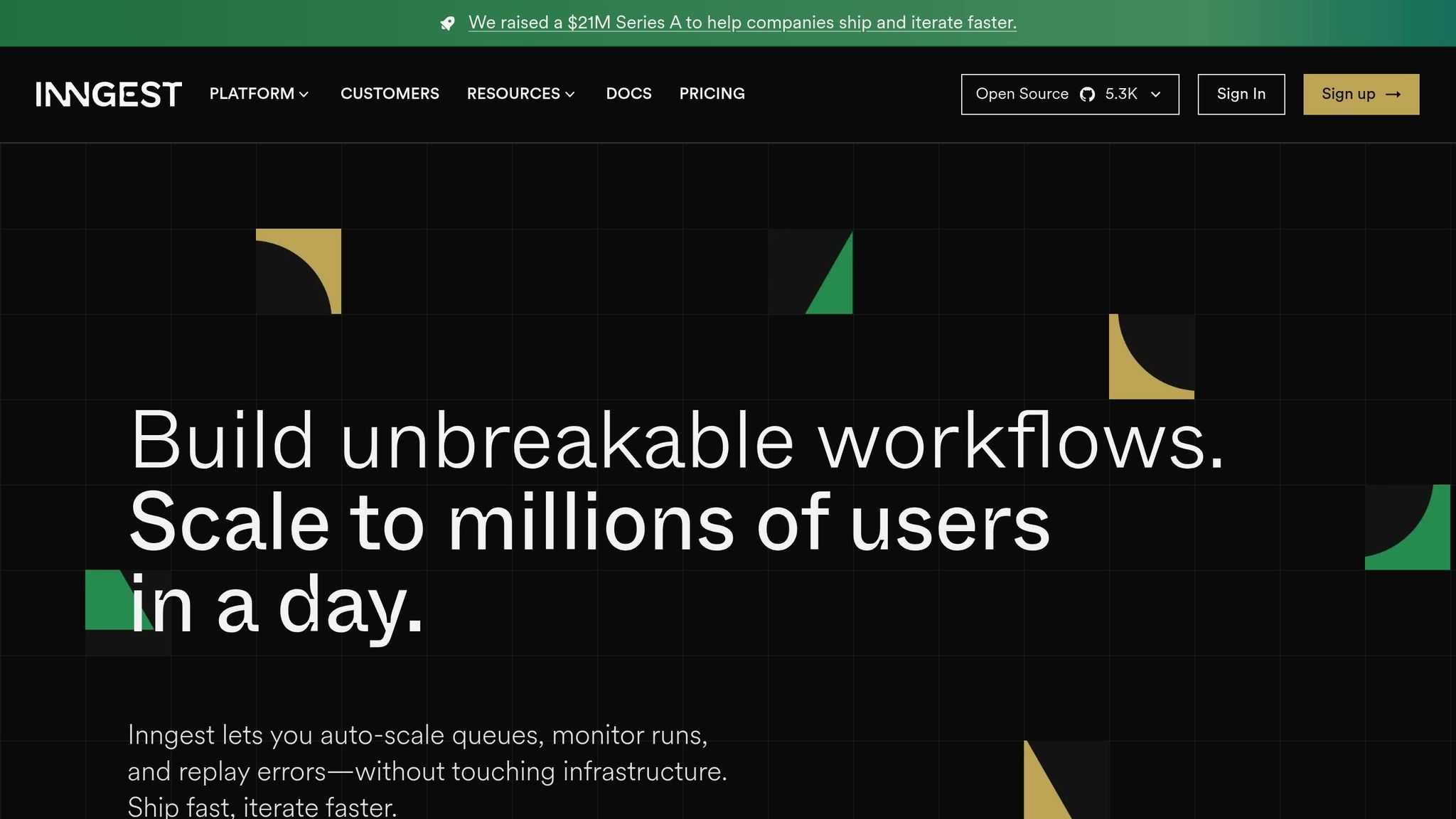
Inngest stands out as a platform tailored for modern event-driven workflows, offering a balance of flexibility, reliability, and scalability - particularly for LLM (Large Language Model) workloads.
Open-Source Approach
Inngest employs a hybrid open-source model. Its server and CLI are licensed under SSPL, transitioning to DOSP under Apache 2.0, while its SDKs are fully Apache 2.0. For developers, there’s a free tier that supports both local and production prototyping, while enterprise plans include features like SSO, SAML, and HIPAA BAA compliance.
Event-Driven Architecture
At the core of Inngest is its event-driven design, built to handle durable execution. The platform’s durable step system transforms functions into reliable checkpoints that retry automatically - an essential feature for managing unpredictable LLM API calls. Functions can be triggered asynchronously through SDKs, webhooks, or cron schedules, and events have the flexibility to invoke, cancel, or resume workflows as needed. With the ability to process over 100,000 executions per second and billions of workflows monthly, Inngest is built for scale.
Inngest’s flow control features are particularly suited for LLM workloads. It allows fine-tuned concurrency limits based on keys like User ID, ensuring that one user’s heavy usage doesn’t monopolize resources or exhaust API quotas. Global resource concurrency manages external API calls - like those to OpenAI - while throttling and debouncing prevent unnecessary invocations during high-demand periods. For example, the cybersecurity firm Outtake uses Inngest to manage rate limits for incoming data APIs and outgoing LLM token usage, enabling them to counter cyberattacks at scale. These capabilities make Inngest a robust solution for advanced LLM integrations.
Simplified LLM Integration
Inngest offers specialized tools for LLM workflows through its step.ai APIs. The step.ai.wrap function integrates observability, metrics, and retries into any AI SDK, while step.ai.infer optimizes infrastructure usage by routing calls to reduce serverless costs and improve telemetry. Additionally, the AgentKit framework equips developers to build multi-agent systems with built-in memory, planning, and tooling. To further support AI development, Inngest provides documentation formatted for AI-enabled IDEs and LLMs, available as llms.txt and llms-full.txt.
“Inngest completely transformed how we handle AI orchestration for us. Its intuitive DX, built-in multi-tenant concurrency, and flow control allowed us to scale without the complexity of other tools.”
- Sully Omar, Co-founder & CEO, Otto
These tools and integrations simplify the complexities of LLM workflows while enhancing scalability.
Built for Scalability
Inngest is designed to handle long-running workflows that may span days or weeks, all without requiring additional queues or infrastructure. Its reliability is backed by SOC 2 compliance and a $21 million Series A funding. The platform also supports human-in-the-loop workflows with “wait for event” steps, enabling complex approval processes. For developers, the local Dev Server allows real-time debugging of every workflow interaction.
Key Use Cases
Organizations leverage Inngest for a variety of purposes, including RAG (Retrieval-Augmented Generation) pipelines, multi-model chains (e.g., combining GPT-4 for reasoning with Llama-3 for summarization), autonomous agent tasks, and high-volume content pipelines. Its built-in throttling ensures API limits aren’t exceeded during these operations.
“For anyone who is building multi-step AI agents, I highly recommend building it on top of Inngest, the traceability it provides is super useful, plus you get timeouts & retries for free.”
- David Zhang, Founder, Aomni
4. Pipedream
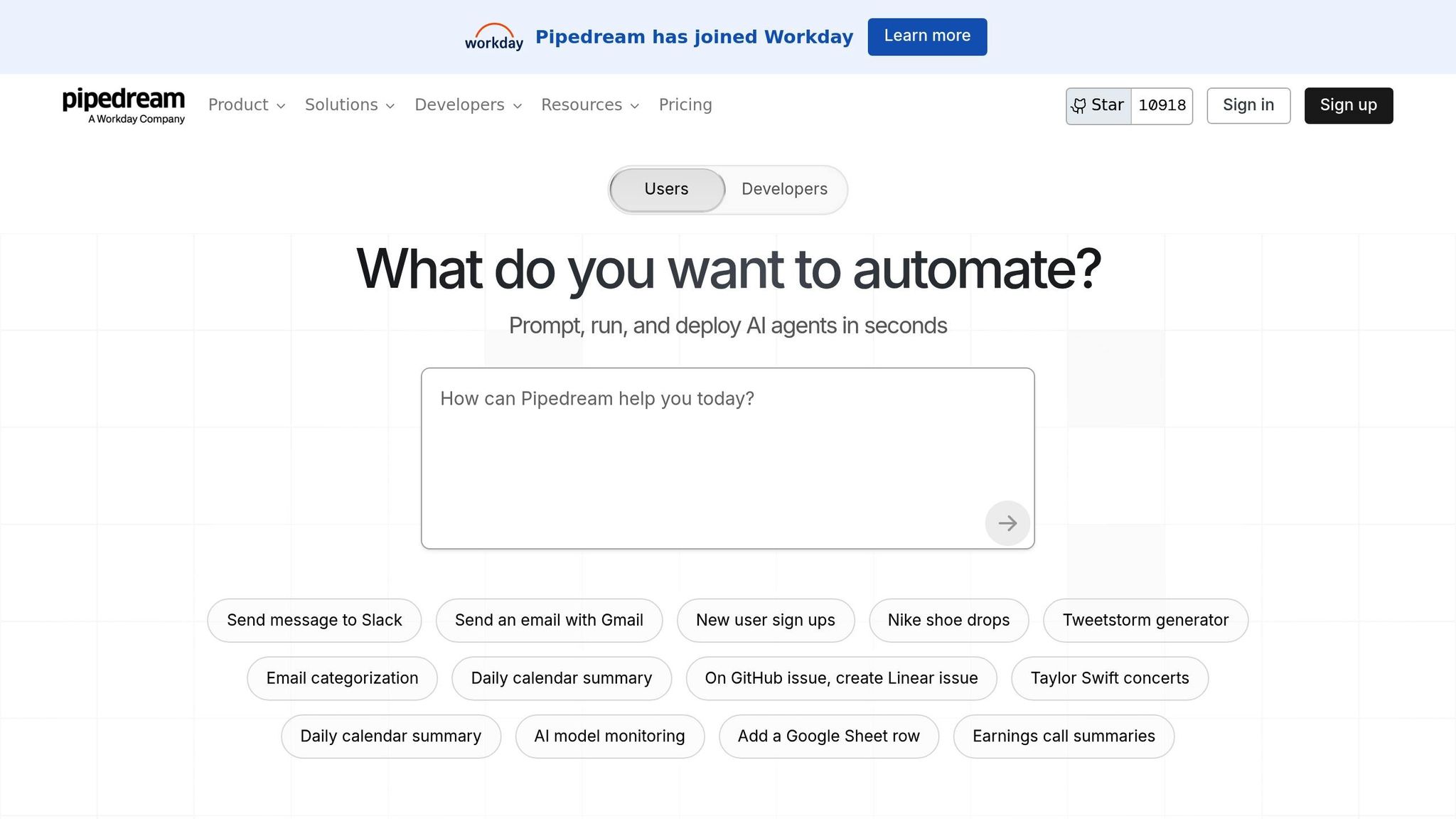
Pipedream is a code-first automation platform that caters to developers looking for flexibility and control. With over 1 million developers on board, it allows users to connect APIs, AI models, and databases into serverless workflows. Supporting languages like Node.js, Python, Go, and Bash, Pipedream offers more than 2,800 pre-built integrations while still enabling custom coding when required. Recently acquired by Workday, it stands out as a powerful tool for event-driven development.
Event-Handling Capabilities
Pipedream operates on a trigger-based architecture, offering thousands of prebuilt triggers and actions across a wide range of applications. Its “Code steps” feature gives developers the ability to execute custom logic - whether that’s making API calls, transforming data, or even halting workflows based on specific conditions. The platform supports parallel execution and real-time data streams, ensuring workflows can handle complex tasks. On higher-tier plans, individual workflow executions can run for 5 minutes or more.
LLM Integration Ease
Pipedream simplifies the process of integrating large language models (LLMs) with its AI Agent Builder interface. Developers can create agents by writing prompts and linking them directly to the platform’s action library, making it possible to “prompt, run, edit, and deploy” AI agents in seconds. Built-in authentication management, including OAuth support, can be seamlessly added to custom code steps, reducing infrastructure concerns. Additionally, the “Build with AI” assistant helps users generate and refine workflow steps, making AI integration even smoother.
Scalability
Pipedream’s serverless design eliminates the need for complex DevOps setups, while supporting streaming data and long-running tasks that might timeout in traditional no-code environments. With a 4.6/5 rating from 16 reviews, developers have highlighted its ability to reduce infrastructure challenges. Pricing starts with a free tier (100 credits and 3 workflows per month) and scales to $29 and $49 per month, with custom options available for enterprise needs.
Primary Use Cases
Pipedream is particularly useful for developers building complex AI workflows that require custom logic and extended execution times. The platform’s ability to install any npm package directly within workflow steps allows for the use of specialized AI libraries or SDKs not covered by pre-built actions. This makes it an excellent choice for tasks like multi-step LLM orchestration, custom data transformations for advanced prompts, and workflows that interact with multiple APIs in real time.
5. Zapier
Zapier is a no-code platform that connects over 8,000 apps, enabling 3.4 million users to automate 3.1 billion tasks every month. It operates on a straightforward Trigger-Action model, making automation accessible to a wide range of users.
Event-Handling Capabilities
Zapier handles various trigger types, such as HTTP requests, database updates, user actions, and scheduled events. With a 99.99% execution reliability rate , it ensures dependable performance. The platform also supports over 400 AI-specific integrations, including OpenAI, Claude, Google Gemini, and Pinecone. Features like “AI Agents” and “Zapier Central” allow users to train AI bots to work seamlessly across different apps, managing complex tasks and iterative API calls. Additionally, webhook triggers enable real-time data handling, bypassing the delays of traditional polling methods. These capabilities make Zapier a strong choice for integrating large language models (LLMs) into workflows.
LLM Integration Ease
Zapier’s linear workflow design simplifies LLM integration, even for beginners. Its Zapier Copilot tool uses natural language processing to guide users in building, troubleshooting, and optimizing workflows through conversational prompts. For developers, the open-source langchain-zapier library offers additional flexibility to create LLM applications with composable components. Multi-step workflows enhance functionality by routing data to specific LLM prompts based on context, such as assigning support tickets to different models depending on sentiment analysis. This user-friendly approach makes it easier to design and deploy event-driven LLM workflows.
Scalability
Companies have achieved notable results using Zapier. For instance, Toyota of Orlando saved over 20 hours per week managing more than 30,000 lead records, while Vendasta reclaimed $1 million in revenue by automating manual processes. However, Zapier’s task-based pricing can become costly at scale compared to credit-based models. The platform offers a free tier for basic two-step workflows, with paid plans - Professional, Team, and Enterprise - providing advanced features like SAML-based SSO and SCIM for enhanced security.
Primary Use Cases
Zapier is best suited for simple, linear automations that connect popular SaaS applications, especially when ease of setup is a priority. It’s highly effective in areas like lead management, customer support, and IT ticket automation, delivering measurable time savings and revenue improvements. The platform also excels in workflows that require structured LLM outputs, such as JSON formats for downstream processes.
6. Temporal
Open-Source Status
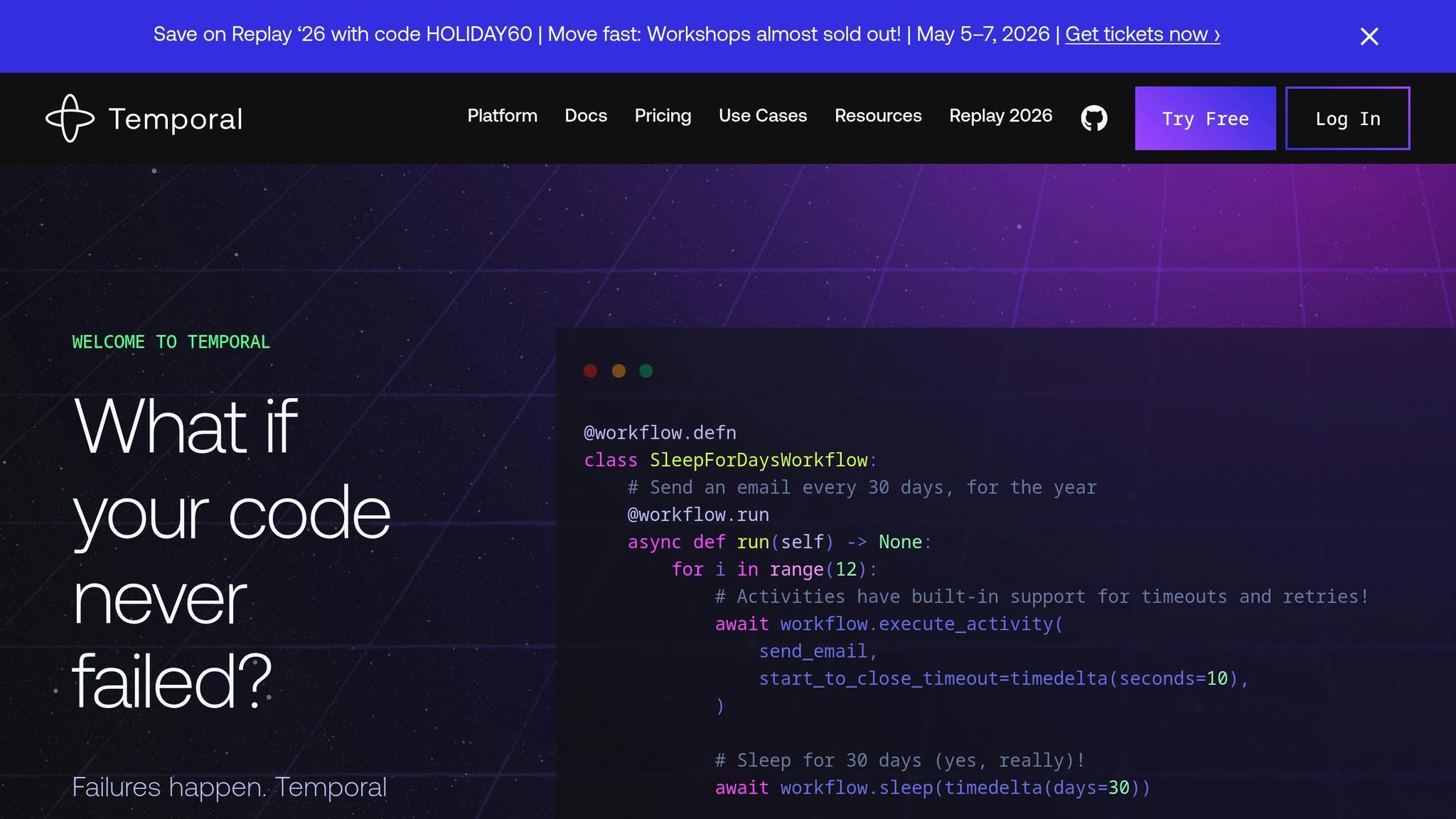
Temporal is an open-source platform that has garnered significant attention, with over 17,283 stars on GitHub. Its core service, Temporal Service (Server), is available for free, allowing organizations to self-host. For those who prefer a managed solution, Temporal Cloud offers a serverless, pay-as-you-go option, spanning over 11 regions. This open-source framework lays the groundwork for Temporal’s advanced event-handling capabilities.
Event-Handling Capabilities
Temporal’s “Durable Execution” ensures workflows are completed, even in the face of server or network failures. It achieves this by maintaining an Event History, which preserves state indefinitely, eliminating the need for manual state machines or excessive error-handling. Workflows are designed to be reactive , responding to external signals while automatically managing state and propagating errors.
For large language model (LLM) applications, Temporal addresses challenges like unreliable APIs, rate limits, and unpredictable outputs. The platform automates retries and error-handling, reducing the burden on developers. Neal Lathia, Co-Founder & CTO at Gradient Labs, highlights this advantage:
“On the AI engineer side, you can write your prompt, run it, and if something comes back that is not good, Temporal just throws an error and it will get retried”.
LLM Integration Ease
Temporal’s event-driven design makes it easy for developers to build AI applications using familiar programming languages like Python, Go, Java, TypeScript, or .NET. Its workflows-as-code approach allows developers to use standard debugging and testing tools. Temporal also integrates seamlessly with popular AI tools, including the OpenAI Agents SDK, Pydantic AI, and Langfuse for tracing.
When integrating with LLMs, it’s recommended to disable client-side retries (set max_retries=0) and let Temporal handle error recovery. Developers can wrap request parameters in simple data structures like Python dataclasses or Pydantic models. For long-running agents that require context engineering or multi-step reasoning, Temporal maintains conversation history and state without consuming compute resources during idle periods.
Scalability
Temporal is designed to handle millions to billions of executions , making it a robust choice for agentic deployments. A notable example involves a team of three developers completing a feature in just two weeks using Temporal - a task that would have taken 20 weeks with their legacy system. The platform can improve application reliability by 10x to 100x, even during LLM failures or API timeouts.
In 2024, Replit transitioned its coding agent’s control plane to Temporal to improve reliability and eliminate edge cases that previously caused poor user experiences. Connor Brewster, Lead Engineer at Replit, shared:
“Temporal gives us a lot more confidence to build the product and know that it’s not going to have lots of edge cases that lead to bad user experiences”.
Another example is Gorgias, an e-commerce customer service platform that uses Temporal to orchestrate AI agents for more than 15,000 brands. Romain Niveau, Senior Engineering Manager at Gorgias, explained:
“I think for us, a workflow approach with Temporal was good because in the end, all LLM use cases are workflows”.
Primary Use Cases
Temporal is particularly suited for applications that require reliable, long-running LLM orchestration. It’s a strong choice for agentic loops, tool calls, and workflows that involve repeated external interactions. The platform is also ideal for scenarios requiring human validation steps or complex multi-step reasoning. Whether your application involves hundreds or millions of concurrent executions, Temporal provides high reliability, automatic failure recovery, and scalability.
7. Kestra
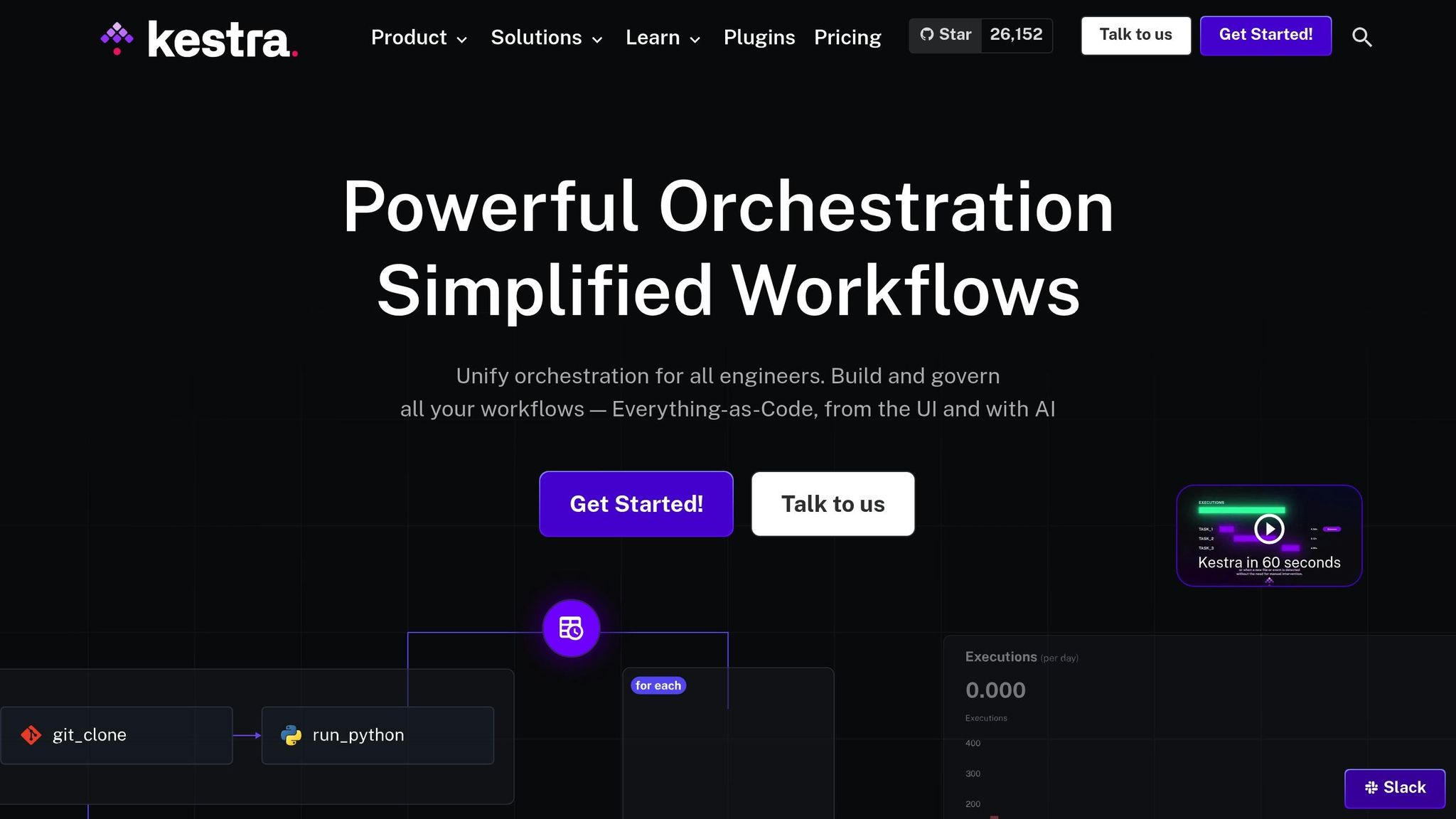
Kestra takes a unique approach to event-driven orchestration, building on the foundations laid by earlier platforms.
Open-Source Platform
Kestra is an open-source orchestration tool, licensed under Apache-2.0, boasting 26,200 GitHub stars and contributions from 750 developers. With 120,000 deployments and over 1 billion workflows executed, it has gained considerable traction. Users can opt for the free Open Source Edition, which includes core orchestration features and access to a vast library of over 1,000 plugins. For more advanced needs, the Enterprise Edition provides additional features like governance tools, secrets management, and dedicated support with service-level agreements (SLAs).
Real-Time Event Handling
Kestra’s event-driven architecture enables workflows to be triggered in real time through webhooks, APIs, or scheduled events. Its declarative YAML-based syntax allows teams to define workflows as code, simplifying version control and fostering collaboration among both technical and non-technical team members. For more complex scenarios, Kestra’s AI Agents add a layer of adaptability by autonomously looping tasks, calling tools, and responding to new data, rather than sticking to rigid sequences. This flexibility makes it well-suited for seamless integration with large language models (LLMs).
Simplified LLM Integration
Kestra supports integration with major LLM providers like OpenAI, Google Gemini, DeepSeek, Ollama, and Perplexity AI. Its AI Copilot feature allows teams to generate workflow code simply by using natural language prompts, speeding up development processes. Developers can securely store API keys in Kestra’s Key-Value Store (available in the Open Source Edition) or as Secrets in the Enterprise Edition. Additionally, the platform offers over 250 blueprints to jumpstart projects, including those focused on content creation and data analysis. This capability reinforces Kestra’s role in enabling event-driven, AI-powered workflows.
Built for Scalability
Kestra is designed to scale effortlessly, whether deployed on-premise, in the cloud, or in hybrid setups. Organizations like Leroy Merlin France have seen remarkable results, with a 900% increase in data production after using Kestra as their orchestration layer. Users also report significant productivity gains, including a 10x boost in productivity and an 80% improvement in team efficiency.
“Kestra is the unifying layer for our data and workflows. You can start small, but then there is no limit to the possibilities and scalability of such an open architecture.”
- Julien Henrion, Head of Data Engineering at Leroy Merlin France
Key Applications
Kestra shines in orchestrating data pipelines, managing microservices, and handling autonomous AI workflows. It’s equally effective for human-in-the-loop processes that require manual approvals within otherwise automated workflows. For instance, Fila utilized Kestra for an ERP transformation project. John Kim, IT Lead at Fila, shared:
“Kestra has transformed our data orchestration, providing full visibility and control as we scale.”
In LLM-driven tasks requiring dynamic tool selection and multi-step reasoning, Kestra’s AI Agents retain information across executions, enabling better context for future operations.
8. n8n
n8n takes a hybrid approach to event-driven workflows, combining an intuitive visual interface with the ability to dive into technical customizations.
Open-Source Status
n8n stands out in modern workflow automation, offering open-source capabilities under a fair-code license. It’s gained a strong reputation, ranking among the top 50 projects with 163.4k stars and over 200,000 community members. Users have the flexibility to self-host using Docker or Kubernetes for complete control or choose the convenience of a cloud-hosted solution. The free Community Version provides extensive functionality, while the Enterprise Edition adds advanced features like SSO, RBAC, and audit logs. With a 4.9/5 rating on G2, users praise it as “a solid automation tool that just works.”
Event-Handling Capabilities
n8n supports a wide variety of event triggers, including app-specific events, webhooks, cron jobs, chat triggers, and event streams. It also features an MCP Server Trigger for external AI calls and allows for nested workflows to handle more complex automation needs. A single instance can manage up to 220 workflow executions per second, and its Queue mode enables even higher volumes by distributing tasks across multiple worker instances.
LLM Integration Ease
With built-in AI nodes and native LangChain support, n8n simplifies the creation of modular AI workflows, including multi-step agents and RAG pipelines. Users can visually design workflows or customize them using JavaScript or Python for more specific requirements. The platform integrates with major LLM providers like OpenAI, Gemini, DeepSeek, and local models through Ollama. It also features a Simple Memory sub-node to maintain conversation context and includes output parsers and scriptable filters to validate data before sending it to an LLM.
Scalability
n8n delivers impressive scalability. Luka Pilic, Marketplace Tech Lead at StepStone, shared how the platform improved API integration speed by 25X, cutting the process down from two weeks to just two hours. He explained:
“We’ve sped up our integration of marketplace data sources by 25X. It takes me 2 hours max to connect up APIs and transform the data we need. You can’t do this that fast in code.”
Similarly, Dennis Zahrt, Director of Global IT Service Delivery at Delivery Hero, implemented a user management workflow that saves 200 hours each month. For enterprises, n8n offers SOC 2 compliance, SSO (SAML/LDAP), and audit logs, ensuring it meets the demands of large-scale applications.
Primary Use Cases
n8n shines in a variety of applications. It’s often used to manage AI-powered customer support chatbots across platforms like WhatsApp, Telegram, and web portals, incorporating RAG for accessing knowledge bases. Sales teams rely on it for lead enrichment and personalized outreach, while operations teams automate tasks like invoice processing and meeting transcript summarization. Nathaniel Gates, CEO of SanctifAI, built his first AI workflow in just two hours - three times faster than coding Python controls for LangChain. This allowed product managers to create AI solutions without waiting on engineering. Additionally, its human-in-the-loop features enable manual approvals and safety checks, adding an extra layer of control before AI actions are executed.
9. Make
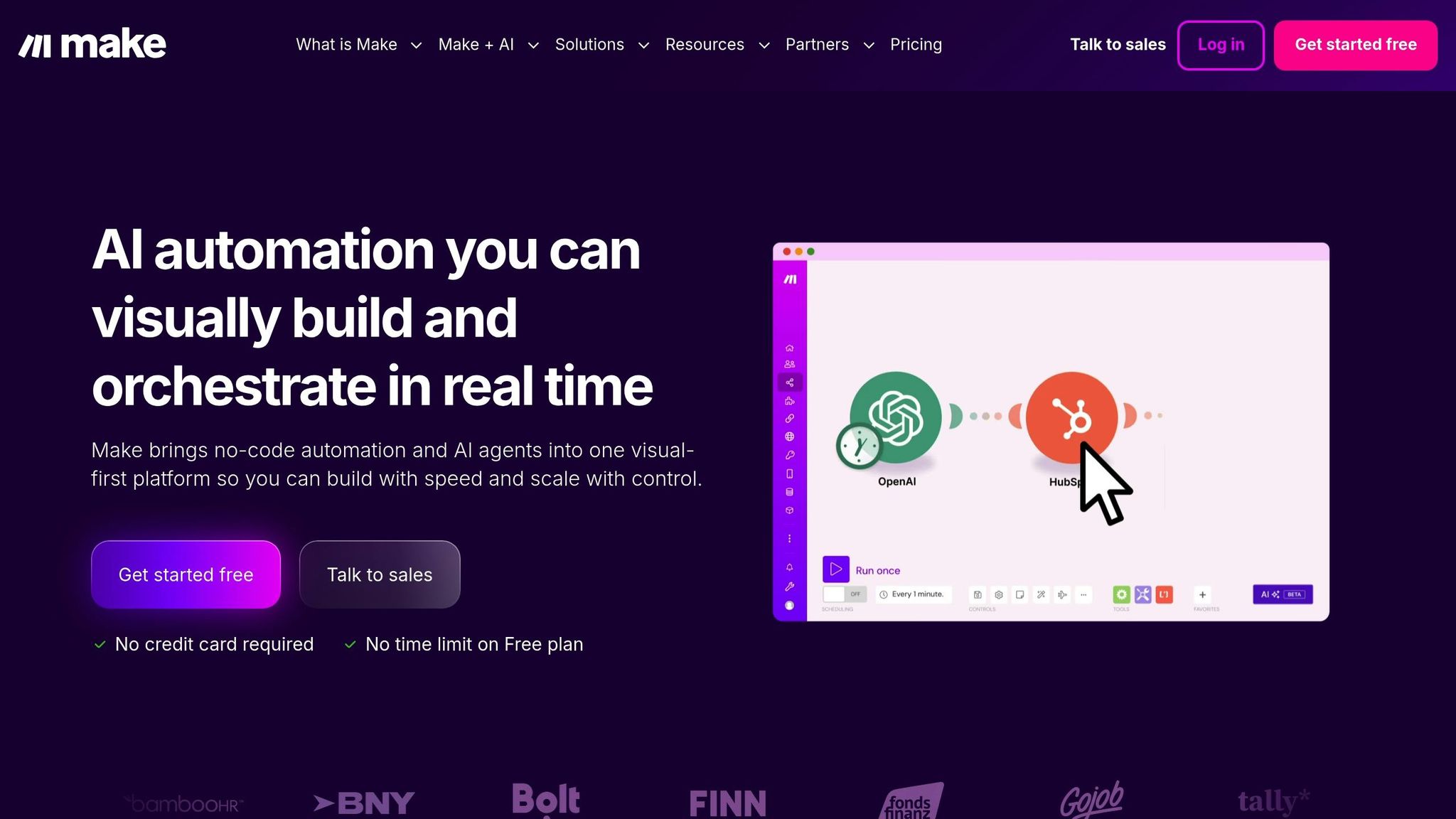
Make combines visual automation with AI-driven orchestration, offering a proprietary SaaS platform that serves over 350,000 customers and boasts high user ratings. While it’s not open-source, the platform provides a free tier, allowing users to test its features before opting for a paid plan. Let’s dive into its event-handling capabilities.
Event-Handling Capabilities
Make keeps tabs on events across 3,000+ verified apps using Watch modules. These modules track specific triggers like new Slack messages, Airtable record updates, or incoming webhooks. Its “Make AI Agents” feature allows large language models (LLMs) to act as orchestrators, dynamically selecting and triggering workflows based on the context of incoming events. With a cloud-hosted Model Context Protocol (MCP) server, users can access and initiate workflows without worrying about server management. Meanwhile, the visual “Make Grid” provides a real-time view of how events propagate through the system.
LLM Integration Ease
Make offers over 400 pre-built AI app integrations and supports major providers like OpenAI, DeepSeek, and Perplexity AI through an intuitive no-code drag-and-drop interface. The platform’s “Maia” AI assistant simplifies workflow creation and debugging using natural language, while pre-built modules handle tasks like categorization and summarization - no prompt engineering required. Erkki Markus, Product Owner at Smaily, shared his enthusiasm:
“The simplicity, flexibility and ability to build real complex automations without any knowledge of programming makes it the best thing since sliced bread.”
Scalability
Make is designed to deliver efficiency for businesses of all sizes. Philipp Weidenbach, Head of Operations at Teleclinic, highlighted its impact:
“Make really helped us to scale our operations, take the friction out of our processes, reduce costs, and relieved our support team.”
Cayden Phipps, COO at Shop Accelerator Martech, echoed this sentiment:
“Make boosts efficiency dramatically - comparable to hiring extra staff at minimal cost.”
The platform includes enterprise-level features like role-based access control (RBAC), SOC 2 Type II compliance, GDPR compliance, and an Analytics Dashboard, ensuring it meets the needs of event-driven LLM workflows.
Primary Use Cases
Make thrives in scenarios where goal-driven automation is key, allowing LLM agents to determine each step dynamically. Businesses use it for tasks like managing shop inventory via Slack and Google Sheets, handling customer support through chat widgets and messaging apps, and generating marketing analytics reports. HR teams streamline policy inquiries and IT request logging through Microsoft Teams, while project managers automate task creation in tools like Asana and Jira. Its stateless execution ensures that each task is processed independently, making it perfect for focused automations such as FAQ handling or order status updates triggered via Telegram, Tally forms, or email.
10. Apache Airflow
Open-Source Status
Apache Airflow is an established open-source tool, released under the Apache-2.0 license, and supported by an active community. As of December 2025, it has earned over 43,600 stars and 16,100 forks on GitHub. Its latest stable release, version 3.1.5, became available on December 13, 2025, and is compatible with Python versions 3.10 through 3.13.
Event-Handling Capabilities
Though initially designed for batch orchestration, Airflow took a major step forward with version 3.0, released in April 2025, by introducing native event-driven scheduling. This update includes an asset-aware mechanism where the AssetWatcher class monitors external sources like message queues or storage buckets, triggering workflows the moment new events occur. For custom triggers, developers can extend the BaseEventTrigger class, ensuring workflows avoid endless rescheduling loops when a monitored condition remains persistently true.
LLM Integration Ease
Airflow’s code-defined workflows make it simple to integrate with libraries like LangChain, PyTorch, and the OpenAI SDK. The platform also offers active provider packages for technologies such as OpenAI, Cohere, Pinecone, PgVector, Qdrant, and Weaviate. For tasks that take longer to complete - like batch inference - deferrable operators help optimize resource use by freeing up worker slots while waiting for external API responses.
Scalability
Airflow is designed to handle large-scale workloads. Its documentation highlights this capability:
“Apache Airflow® has a modular architecture and uses a message queue to orchestrate an arbitrary number of workers. Airflow™ is ready to scale to infinity.”
The platform supports distributed deployment through Kubernetes, utilizing its official Helm Chart. With the Task SDK introduced in version 3, DAG authoring is decoupled from core components like the Scheduler and API Server. This separation ensures that intricate LLM logic doesn’t compromise the stability of the orchestration process. As workload demands grow, scaling is straightforward - just add more workers. These features make Airflow a strong choice for managing complex LLM workflows.
Primary Use Cases
Airflow shines when orchestrating intricate, event-driven LLM workflows. Common applications include automating ETL pipelines in response to new unstructured data arrivals (useful for Retrieval-Augmented Generation systems), launching fine-tuning jobs when new datasets are available, and coordinating complex LLM agent chains triggered by service-to-service messages. Its idempotent task design ensures consistent results, even when tasks are retried, making it a reliable choice for production environments. However, it’s important to note that Airflow focuses on orchestration rather than serving as a streaming platform.
Tool Comparison Table
When choosing a tool, consider factors like integration options, orchestration capabilities, and scalability. Below is a side-by-side comparison of Latitude and crewAI to help you evaluate their strengths.
| Tool | Open-Source Status | Event Triggers | Key LLM Orchestration Features | Scalability & Known Limitations |
|---|---|---|---|---|
| Latitude | Yes (LGPL-3.0) | 2,800+ integrations via webhooks, custom APIs, or SDKs | AI Gateway, observability, LLM‑as‑judge evaluations, collaborative feedback workflows | Cloud & self-hosted deployment; paid plans scale with usage and agent volume |
| crewAI | Yes | Task-based triggers, internal agent delegation | Role-playing agents, task management, LangChain integration, autonomous collaboration | Multi-agent “crews” orchestration; risk of cascading errors |
This table underscores how each tool addresses different production needs. Latitude shines with its extensive integrations and robust orchestration features, making it ideal for teams that prioritize transparency and collaborative workflows. On the other hand, crewAI focuses on autonomous task delegation, leveraging multi-agent collaboration for efficiency.
“Success in the LLM space isn’t about building the most sophisticated system. It’s about building the right system for your needs”.
Latitude’s built-in observability and evaluation tools make it a strong choice for teams managing complex workflows and seeking iterative improvements. Meanwhile, crewAI’s task-focused design is well-suited for projects emphasizing role-based collaboration.
Conclusion
Creating event-driven workflows for Large Language Models (LLMs) means choosing tools that align with your technical skills and production requirements. Today’s event-driven architectures simplify processes like loops, parallel tasks, and complex branching, making them more approachable for developers.
When assessing these tools, focus on observability and state management. For production-level applications, it’s crucial that tools can serialize, pause, and resume states for tasks that run over extended periods. As William Bakst explains:
“Leveraging specialized tools that are tailored for your Large Language Model (LLM) workflows can reduce complexity and the risk of errors, allowing you to focus on developing applications”.
This functionality is the foundation of reliable LLM workflows.
Depending on your development needs, choose tools that fit your current stage. For example, collaborative platforms like Latitude are great for prompt engineering, while frameworks such as crewAI or Temporal handle more intricate orchestration. If speed is your priority, no-code options work well, but for full customization, pro-code tools like n8n or Apache Airflow might be better suited.
Before committing, take advantage of free tiers to test integrations and ensure the tool can handle your workflow’s complexity. Run experiments across different configurations to confirm the platform supports your specific requirements, whether it’s iterative loops, human-in-the-loop approvals, or asynchronous-first processing.
Ultimately, the key isn’t about picking the tool with the most features - it’s about finding one that matches your team’s expertise and the demands of your application. Test thoroughly, monitor performance closely, and select a platform that enables you to build dependable AI systems without unnecessary complications.
FAQs
What should I look for when choosing a tool for event-driven LLM workflows?
When choosing a tool for event-driven LLM workflows, it’s crucial to focus on its ability to manage asynchronous and parallel execution. This capability ensures your workflows can juggle multiple tasks - like LLM calls or data processing - while seamlessly triggering the next steps as events unfold. Tools equipped with trigger-action mechanisms , such as responding to user actions or database updates, are essential for building systems that are both responsive and scalable.
You should also evaluate features like task scheduling and prioritization to improve performance and cut costs. Look for functionalities such as queue management, cancellation, and retry options to handle interruptions without derailing your workflows. On top of that, opt for a platform that supports integration, observability, and team collaboration. Features like external API support, version-controlled prompt management, and shared editing capabilities can simplify the process of developing high-quality LLM solutions.
Latitude, for instance, is an open-source platform that stands out in these areas. It provides a collaborative space where engineers and domain experts can work together to create reliable, production-ready LLM workflows tailored to specific needs.
How do event-driven architectures improve the scalability of LLM workflows?
Event-driven architectures enhance scalability by separating input triggers from processing tasks. When an event occurs - such as a user request or a database update - it kicks off a specific task that operates independently. This setup allows systems to adjust resources dynamically, scaling up during high traffic and scaling down during quieter times. The result? Efficient resource use and reduced costs.
In a large language model (LLM) workflow, key stages like prompt generation, model inference, and post-processing are event-driven. Each step can activate subsequent actions, enabling either parallel or sequential execution based on the need. This modular design not only simplifies complex workflows but also improves maintainability and supports horizontal scaling. Tools like Latitude streamline the process by helping teams define triggers, manage prompts, and orchestrate these workflows. This makes it easier to create scalable, low-latency LLM features ready for production.
What are the main advantages of using open-source tools for designing event-driven LLM workflows?
Open-source tools bring cost savings and adaptability to the table when creating event-driven workflows for LLM applications. With freely available code, teams can sidestep pricey licensing fees and avoid being tied to specific vendors. Plus, the active open-source community ensures a steady stream of updates, bug fixes, and shared best practices. This openness gives engineers and domain experts the freedom to inspect, tweak, and tailor components, making experimentation faster and reducing the chances of unexpected problems.
Platforms like Latitude are designed with LLM production in mind, offering features like prompt management, version control, and tools for creating structured outputs. These tools enhance collaboration, simplify change tracking, and ensure workflows stay dependable. On top of that, built-in evaluation tools and event-driven architectures make it easy to coordinate complex AI pipelines, allowing teams to refine their processes and confidently scale up production-ready LLM features.