Open Source AI issue detection & monitoring

They don't only crash. They hallucinate, lose context, call the wrong tool, and confidently return the wrong answer. You need more than logs to catch that.
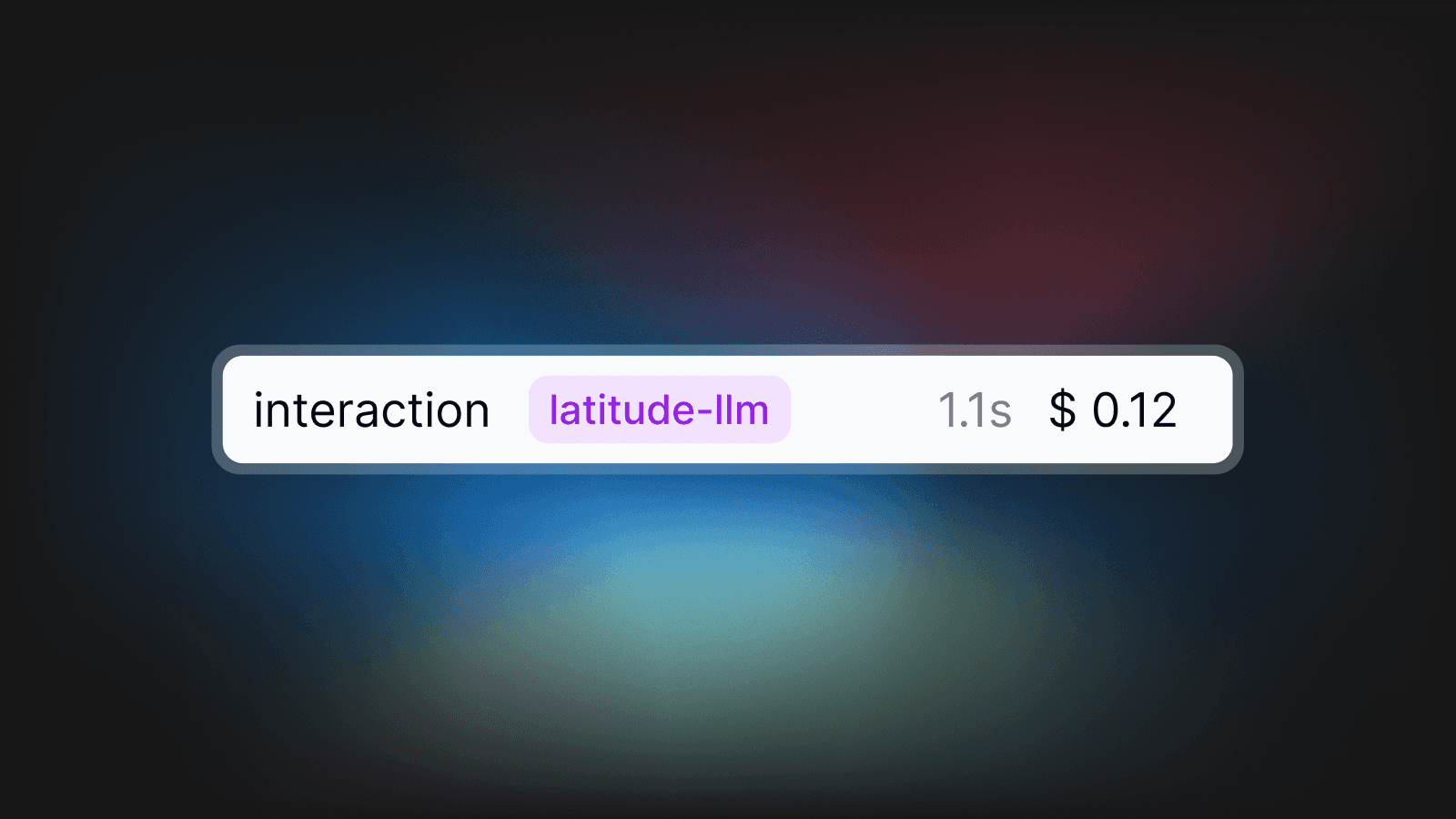
Filter thousands of traces by error type, model, user, or time range. No more guessing.
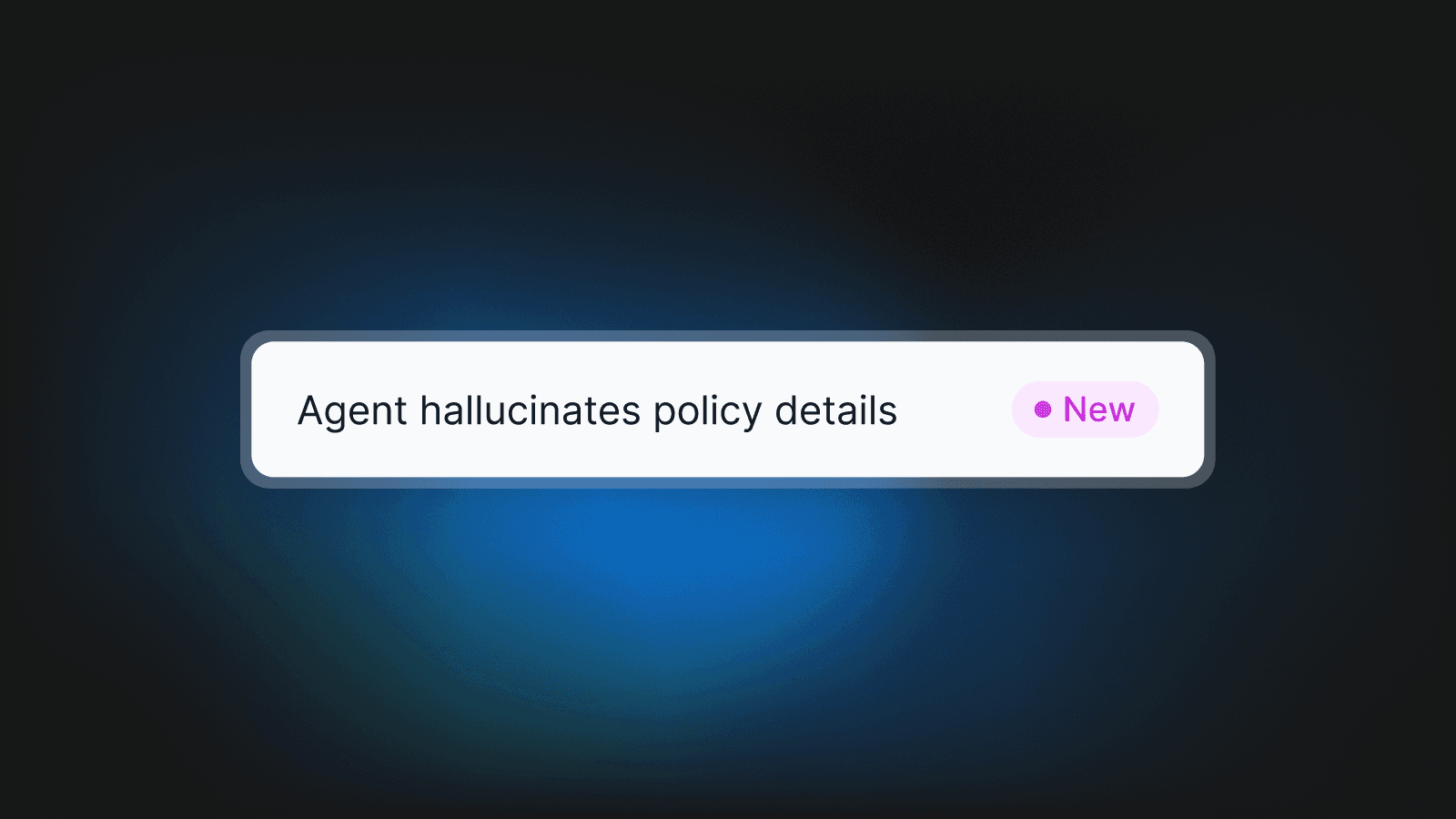
Latitude groups similar failures into issues without you configuring anything. No rules, no regex.
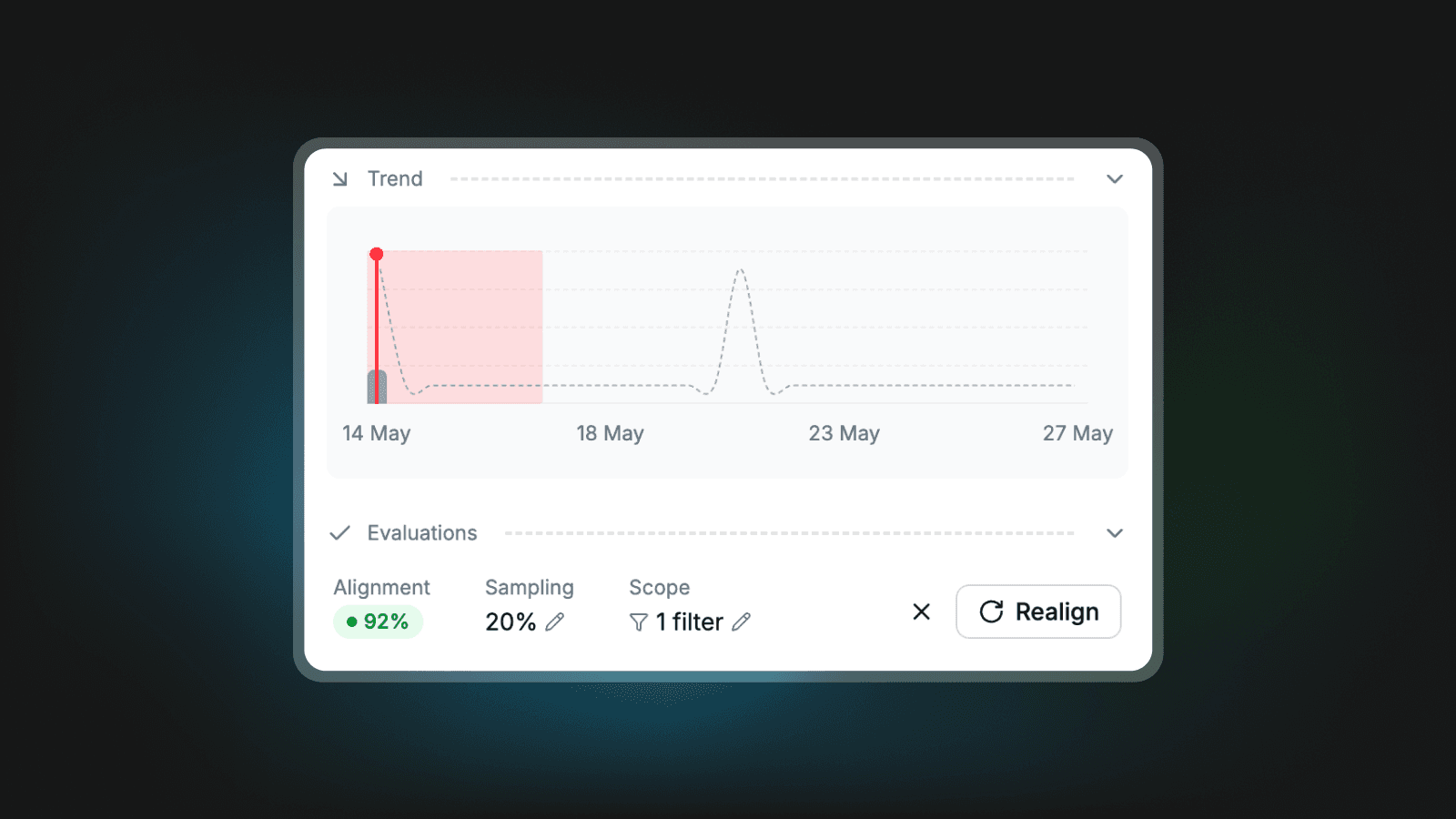
Every discovered issue becomes a running eval. New traffic is tested against known failure modes automatically.
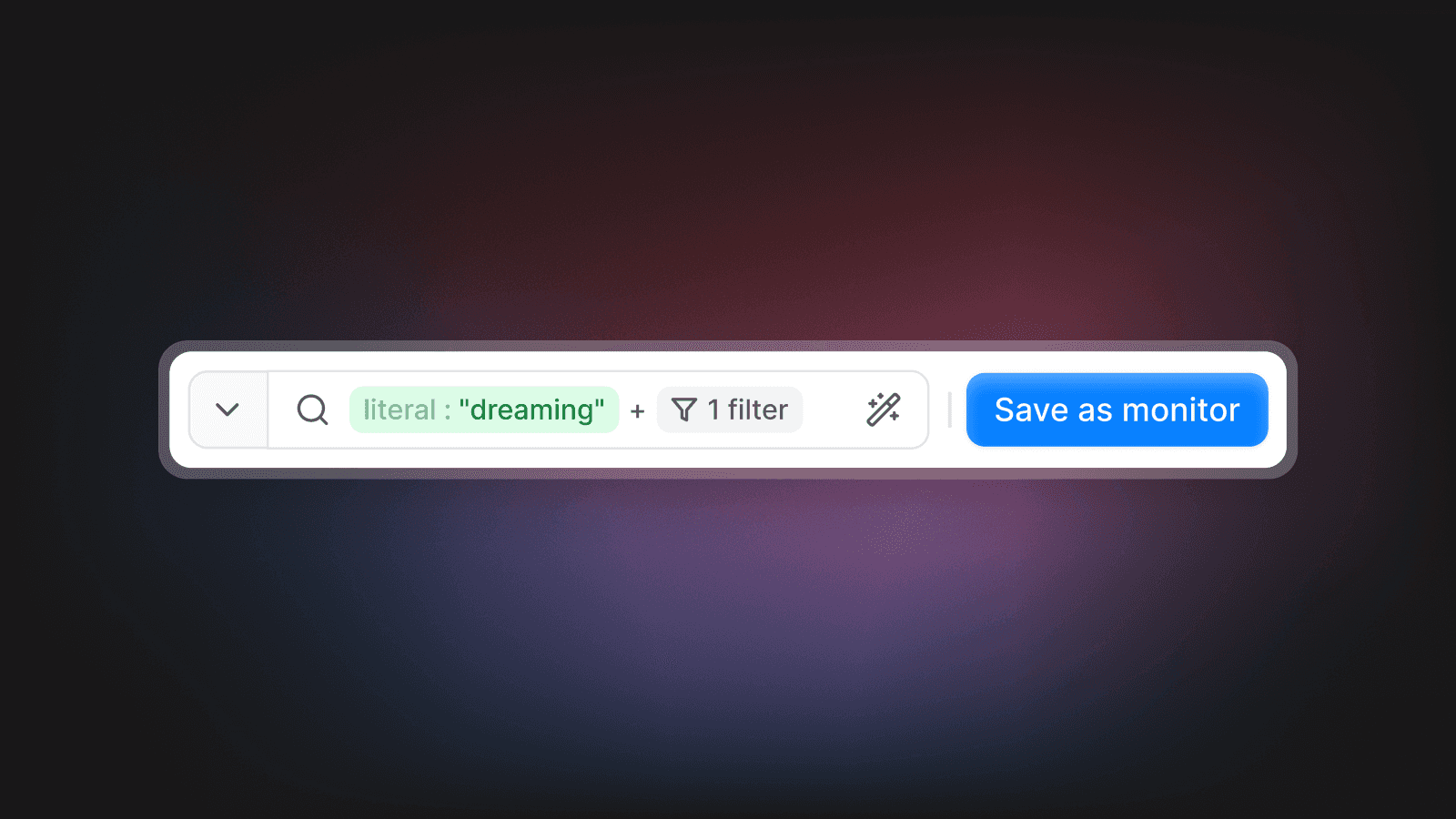
Set filtering rules and create custom monitors looking for pre-defined patterns in your traces
Issues in Latitude are discovered automatically, they constantly monitor your traces and aggregate failure modes in an optimise view for you to review any time
Issue Discovery
Evals
Custom Alerts
Golden Datasets
Human signal
Hallucinating policy details
Pending review
47
NSFW Speech
Monitoring
Regressing
561
User frustration
Escalating
1101
Potential issues discovered from your traces automatically
Set up Latitude in your project and discover first issues in less than 5 minutes
Obtain observability over your agent or production project in a blink with a single line
Install the Latitude AI skill from github.com/latitude-dev/skills and use it to add tracing to this application with Latitude following best practices.
Give your agents full access to the Latitude workspace and manage your projects outside of the app's UI
FAQ
Asnwer to the most popular questions
What's the difference between LLM observability and regular logging?
Regular logging captures requests and responses. LLM observability shows you the full picture: every step in your AI pipeline, token costs, latency breakdowns, and (critically) whether outputs are actually good. You're not just seeing what happened; you're seeing what matters.
Do I need observability if my LLM app is already working fine?
How is Latitude different from Langfuse or other observability tools?
How quickly can I see my first production traces?
What issues will observability actually help me catch?
We're already using OpenAI's dashboard. Why do I need more?
Once I can see issues, then what?