
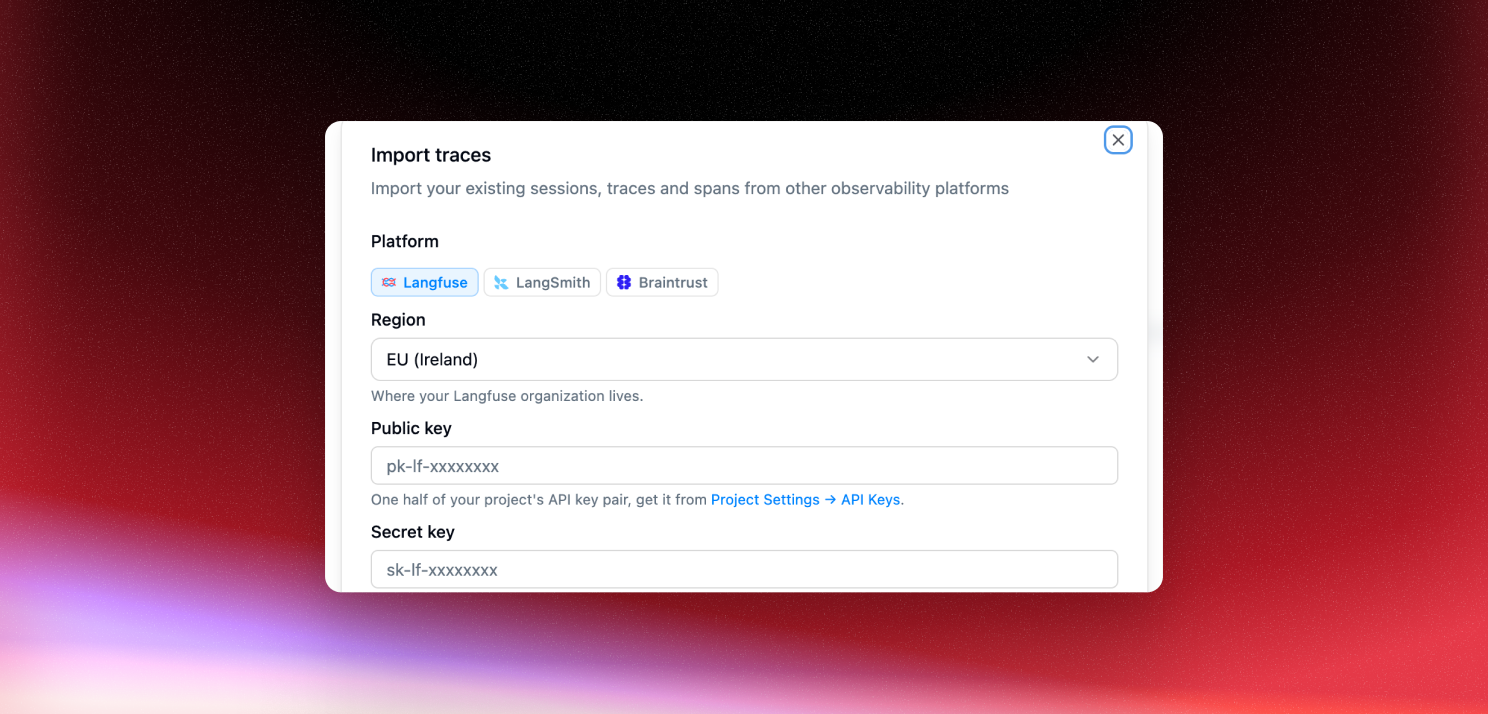
Switching observability platforms usually means leaving your history behind and starting from an empty project. Not anymore. You can now import the traces you already have in Langfuse, LangSmith, or Braintrust straight into a Latitude project.
Imports run from Project settings → Imports and take three steps:
- Connect your platform and region, then enter its credentials. Latitude tests them before continuing and discards them once the import finishes.
- Preview the source project, time range, and how many traces to bring over. Latitude shows a sample of what will come through before anything is written.
- Start, and the import runs in the background. Progress, counts, and any errors appear in the imports table, and you can close the tab.
Each platform is imported from its cloud offering: Langfuse Cloud with your public and secret keys, LangSmith runs with configurable session grouping, and Braintrust project logs through BTQL.
Importing is for history. Data from here on should arrive through live tracing, which is what powers evaluations, monitors, and signals in real time. This just means you get to bring the past with you.