
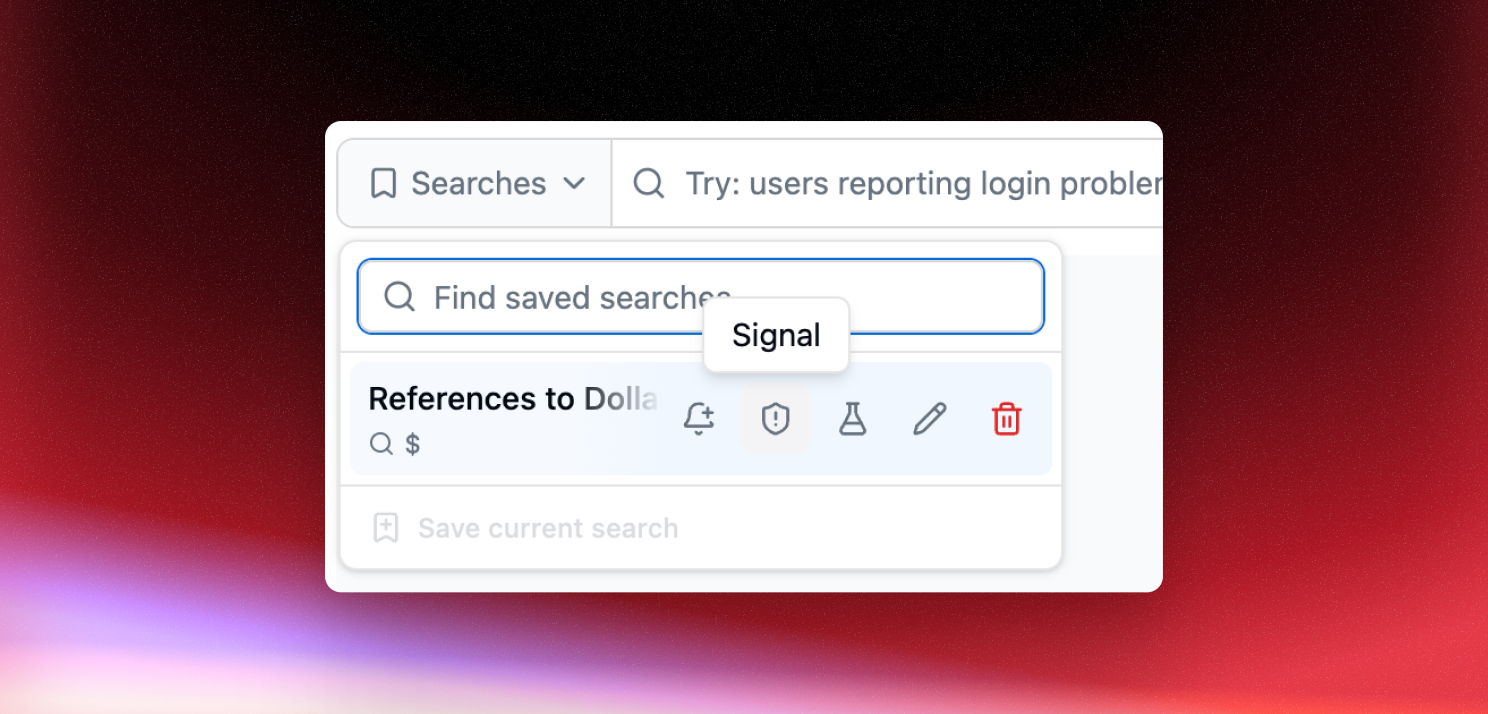
You already saved the search for a cohort you care about. Now you can turn it into a signal in one click, instead of rebuilding the same query in the signal builder.
How it works
Save a search and choose Create a signal from this search, or hover any row in the Saved searches dropdown and use its signal action. Either way, Latitude creates the signal and takes you straight to it.
Latitude maps the search onto a detector automatically:
- Filters (tags, services, models, providers, metadata) become the signal’s scope
- Free text in the query becomes a semantic match
- Quoted phrases become a case-sensitive text match
- Phrases in backticks become a case-insensitive text match
- A search with no query still works: the signal matches every session in scope
The signal’s scope uses the same filter builder as the rest of Latitude, so you can review and adjust exactly what it’s watching before you rely on it.
Get started
Open Saved searches on the Traces page and try it on a search you already return to often. See Signals and Saved Searches for more.