
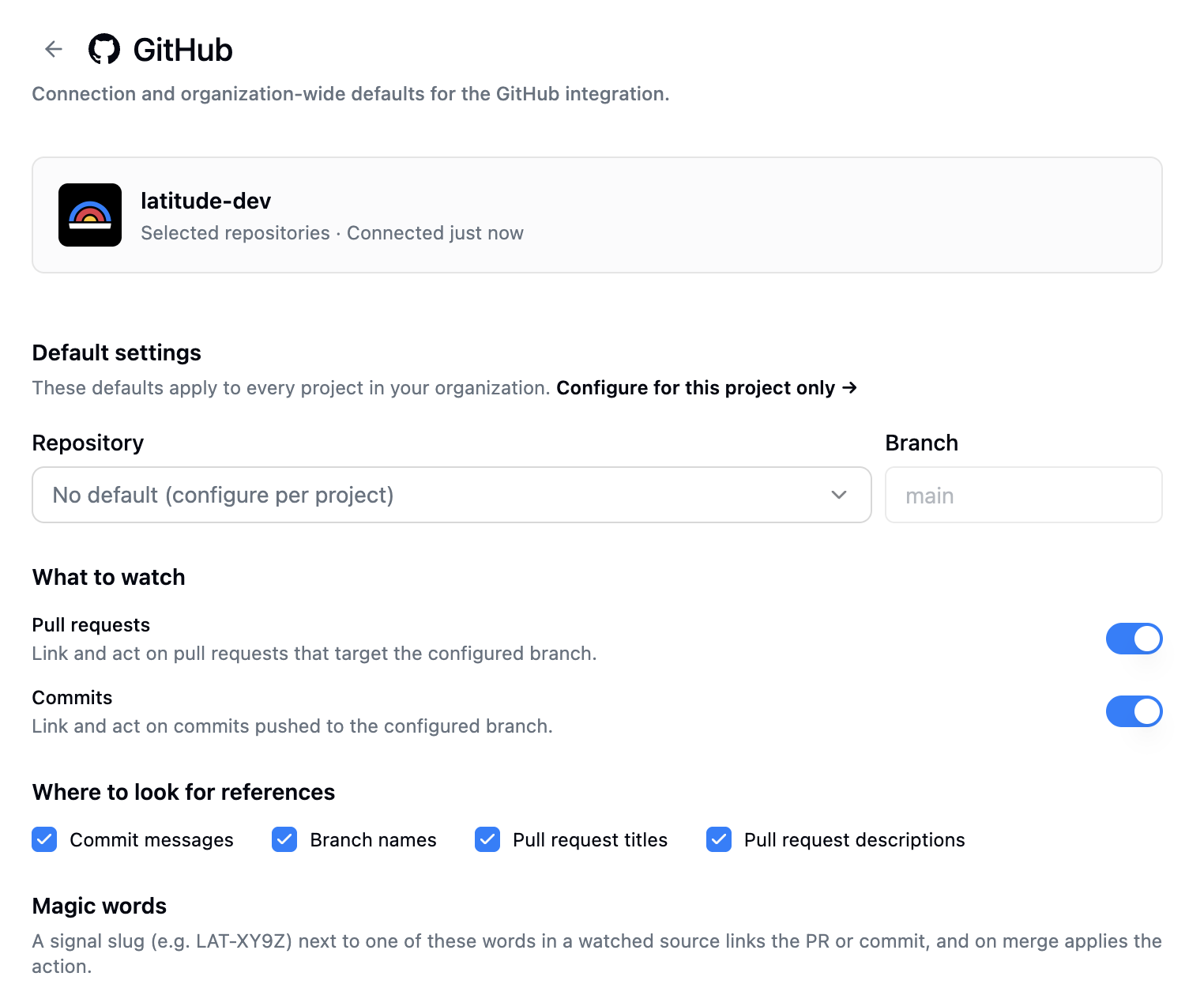
Agent Dispatch opens the loop by sending a failure to your coding agent. The GitHub integration closes it. When the pull request or commit that fixes a signal merges, Latitude resolves the signal for you and links the PR right on its page.
It works like GitHub’s own Fixes #123, but for Latitude signals. Reference a signal’s slug in a PR title, description, branch name, or commit message, and when that PR merges into a branch you watch, the signal resolves. Revert it and the signal reopens.
How it works
- Connect the Latitude GitHub App and pick the repositories it can see
- Tell Latitude which repository and branch to watch, as an org default or per project
- Reference a signal slug like
LAT-XY9Zin a PR or commit, and it appears on that signal’s page - When the PR merges into the monitored branch, the signal resolves automatically
Keywords decide the action. Fixes LAT-XY9Z resolves on merge, Revert "Fix LAT-XY9Z" reopens, and Related to LAT-XY9Z just links. You can edit each keyword list on the manage page.
Read-only by design
Latitude asks for three read-only permissions and nothing else: Pull requests, Contents, and Metadata. The app never comments on your PRs, pushes code, or changes anything in your repositories. It only reacts to what merges, which is the trust boundary, so nobody outside your team can move your signals by typing a slug.
Better together with Agent Dispatch
If you use Agent Dispatch, the default prompt already tells the agent to name its branch fix/<slug>-… and title its PR Resolves <SLUG>: …. A dispatched agent then links its fix on open and resolves the signal on merge, with nobody typing a slug by hand. Detect the failure, dispatch the fix, resolve on merge, all without a human in the loop.
See the GitHub integration guide to set it up.