
Master Your AI Interactions with an AI Prompt Tester
If you’ve ever struggled to get the right output from an AI model, you’re not alone. Crafting the perfect input can feel like a guessing game, but that’s where a tool for testing AI prompts comes in. This handy utility lets you experiment with different phrasings and see simulated results without endless trial and error.
Why Testing Prompts Matters
AI models like GPT or BERT rely heavily on how you frame your request. A slight tweak in wording can make a huge difference in the response quality. With a dedicated prompt testing tool, you can refine your approach, spot weaknesses, and build inputs that consistently deliver. It’s especially useful for content creators, developers, or anyone dabbling in machine learning who wants to maximize their efficiency.
Beyond Just Testing
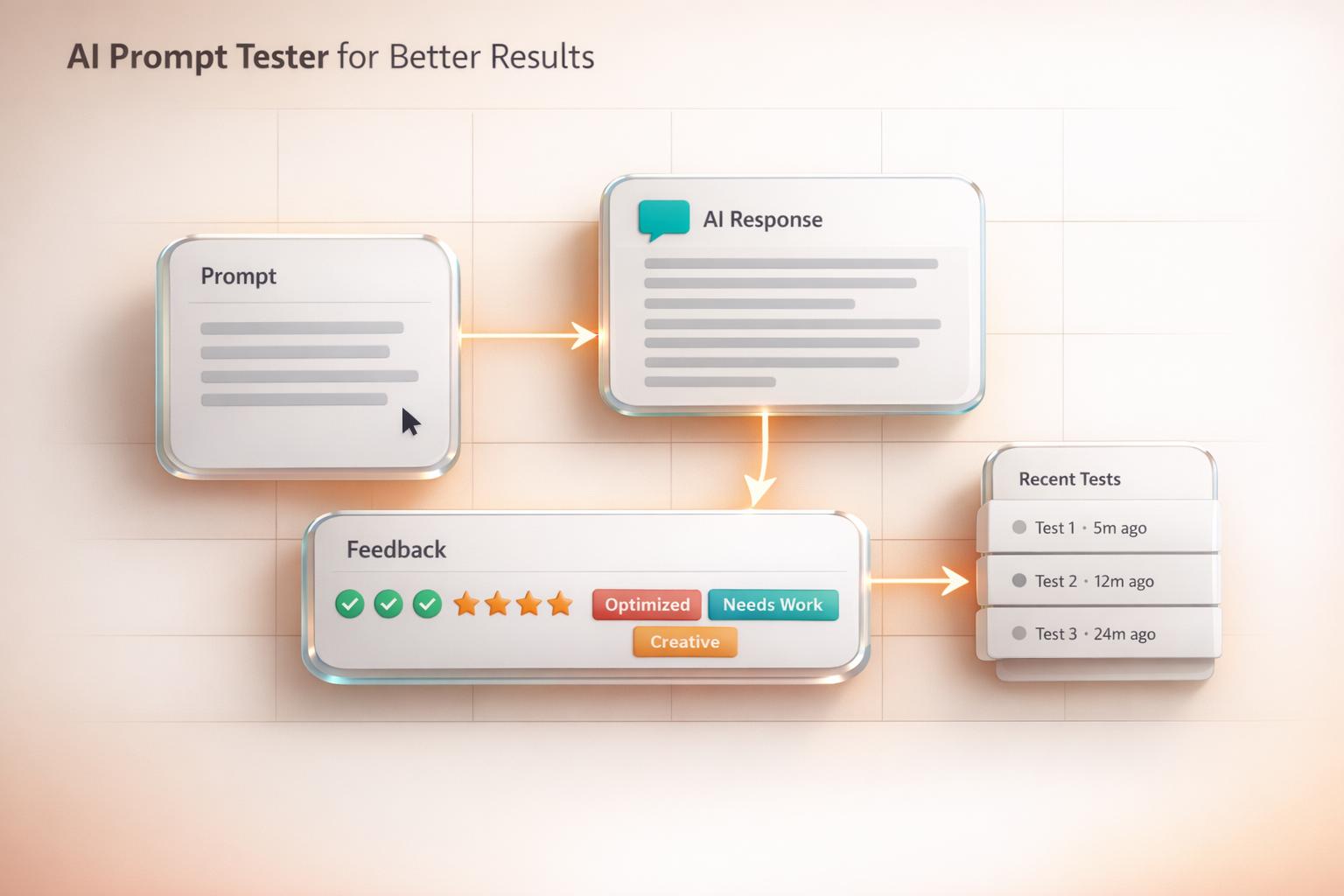
Beyond generating mock outputs, this kind of resource often provides feedback on clarity and structure, helping you understand what works. Whether you’re drafting queries for chatbots or fine-tuning instructions for complex tasks, having a way to preview and adjust is a game-changer. Try it out, and watch how much smoother your AI interactions become!
FAQs
How does the AI Prompt Tester simulate responses?
Our tool uses predefined logic and sample outputs tailored to each AI model type, like GPT or BERT. It’s not a live AI connection but a close approximation based on typical response patterns. This lets you quickly see how your prompt might perform without needing access to the actual model. Pretty handy for brainstorming or tweaking your wording!
Can I save or export my recent prompt tests?
Right now, the tool stores your last 5 prompts and outputs in the ‘Recent Tests’ tab for quick reference during your session. We don’t have an export feature yet, but you can copy and paste the text manually if you want to keep a record. We’re working on adding more permanent storage options soon, so stay tuned!
What does the feedback on prompt clarity mean?
The feedback note below your output looks at things like keyword density and prompt length to gauge how clear and effective your input might be. It’s a simple nudge to help you tweak vague or overly complex prompts. Think of it as a friendly hint—if your prompt is too short or lacks focus, we’ll suggest ways to tighten it up for better AI responses.