

Developing AI systems is challenging but becomes more effective when domain experts and engineers work together. Poor coordination, data issues, and goal misalignment cause 65% of AI projects to fail. This guide shares actionable steps to improve collaboration, streamline workflows, and enhance results:
-
Clear Documentation : Use prompt templates, version history, and workflow diagrams to cut rework by 40%.
-
Feedback Systems : Automated pipelines reduce iteration cycles by 35%. Biweekly cross-team reviews align goals.
-
Version Control: Semantic versioning and automated logging speed updates and rollback times by 65%.
-
Tool Selection : Open-source tools offer flexibility, while commercial platforms simplify onboarding and compliance.
-
Security Protocols : Protect sensitive data with role-based access and automated compliance tracking.
Core Principles of AI Team Workflows
Effective AI workflow management depends on structured systems that allow technical teams and domain experts to work together efficiently. Building on collaboration frameworks, these systems ensure smooth communication and streamlined processes.
Setting Up Clear Documentation Practices
Good documentation minimizes rework by 40%. Here are key components to focus on:
| Component | Purpose | Impact |
|---|---|---|
| Prompt Engineering Guidelines | Use templates and track version history | 30% faster iteration cycles |
| Model Specifications | Document architecture and training data | Better collaboration across teams |
| Workflow Diagrams | Define role handoffs and responsibilities | Improved team alignment |
Improving Feedback Systems
Amazon Comprehend’s automated feedback loops highlight how structured feedback helps refine NLP models. To create effective feedback systems, teams should focus on two key areas:
-
Automated Feedback Capture Integrating user ratings directly into the pipeline can cut iteration cycles by 35%. For example, JPMorgan Chase’s automated impact analysis resolves 85% of conflicting feedback before human review is needed.
-
Cross-functional Review Sessions
Regular biweekly reviews between engineers and domain experts are critical for aligning model performance with business goals.
Handling Changes in LLM Projects
Managing updates in large language model (LLM) projects requires careful version control due to frequent changes in prompts and models. Toyota’s system achieves a 99% accuracy rate even with weekly updates.
Here’s how to approach version control effectively:
| Element | Implementation | Result |
|---|---|---|
| Semantic Versioning | Use a three-stage deployment pipeline | 65% faster rollback times |
| Automated Logging | Integrate CI/CD with a prompt registry | 30% fewer conflicts |
| Snapshot Management | Preserve pre-change states | 40% quicker recovery |
Tools like Latitude simplify this by offering Git-integrated prompt management systems. These systems provide audit trails and allow collaborative editing, helping teams achieve 30% faster iteration cycles.
With these workflows in place, the next section dives into essential tool features that support these processes.
Must-Have Features in AI Team Tools
When choosing AI workflow tools, it’s essential to focus on features that directly impact team productivity. Research shows that integrated platforms can lead to 40% faster deployments [6]. These tools should align with the key principles of documentation, feedback, and version control.
Comparing Open-Source and Commercial Tools
Deciding between open-source and commercial tools can significantly affect both productivity and cost. Here’s a side-by-side breakdown of their core features:
| Feature Category | Open-Source Solutions | Commercial Platforms |
|---|---|---|
| Customization | Full access to source code | Limited to API/plugin system |
| Implementation | Requires technical skills | 37% faster onboarding |
| Security | Custom implementation needed | Pre-built compliance frameworks |
| Cost Structure | Infrastructure costs only | Usage-based pricing |
Team Communication Tools
Strong communication tools are a cornerstone of successful AI projects. According to Smartsheet, teams using integrated messaging reduced email volume by 42% [6]. These tools help streamline feedback and collaboration. Key features include:
| Feature | Impact | Example Use Case |
|---|---|---|
| Real-time Editing | Cuts handoff delays by 30%+ | Collaborative prompt editing |
| Threaded Comments | Improves feedback clarity by 25% | Model output annotations |
| Automated Updates | Boosts workflow efficiency | Workflow status notifications |
Connecting with Other Development Tools
Integrated toolchains are vital for speeding up deployment, with studies showing a 28% improvement in deployment times. Focus on tools that offer:
-
DevOps Pipeline Integration : Ensure compatibility with CI/CD systems and testing frameworks.
-
Data Infrastructure Connectivity : Look for platforms that connect seamlessly to:
-
Monitoring tools such as Prometheus or Datadog
-
Version control systems
-
API Flexibility : Middleware options can simplify custom integrations, cutting integration costs by 57%.
Choose tools that not only meet current needs but also support future AI workflows. These integrations are critical to building efficient workflows, as discussed in the next section.
Setting Up AI Team Workflows
Organizing AI team workflows involves clear coordination between domain experts and engineers to streamline development and improve output quality. By building on documentation and version control practices, these workflows set the stage for meeting the security and compliance needs discussed later.
Creating Clear Team Processes
Smooth collaboration between technical and business teams starts with well-defined processes. One effective tool for this is the RACI matrix, which clarifies responsibilities in machine learning projects.
| Process Stage | Domain Expert Role | Engineer Role | Collaboration Point |
|---|---|---|---|
| Prompt Design | Define requirements | Review technical feasibility | Weekly design sessions |
| Implementation | Create test cases | Handle API integration | Daily standups |
| Validation | Verify business rules | Monitor performance | Bi-weekly reviews |
Setting Quality Standards
Automated checks help ensure quality at every stage. These checks build on the quality assurance methods outlined in the Core Principles section. Key checkpoints include:
-
Input Validation : Enforce schemas before processing prompts.
-
Output Verification : Use automated tests to ensure consistency across different LLM versions.
-
Performance Monitoring : Track latency and resource usage to maintain efficiency.
Automated compliance tracking can boost process reliability by up to 40%.
Fixing AI Output Problems
Handling AI output errors requires a structured incident management system. A three-tier approach works best:
| Layer | Purpose | Implementation Method |
|---|---|---|
| Prevention | Stop issues before they occur | Use schema validation and knowledge graph checks |
| Detection | Identify problems quickly | Set up confidence scoring and pattern alerts |
| Resolution | Respond effectively | Classify errors and automate routing |
For critical errors, implement rollback protocols, conduct templated root cause analyses, and update systems based on recurring issues.
These methods lay the groundwork for the security protocols covered in the next section.
Security and Rules for AI Teams
Securing sensitive data and staying compliant are key hurdles in collaborative AI development. Research indicates that strong security protocols can cut unauthorized access incidents by 40% while keeping team workflows efficient.
Protecting Private Data
Anonymizing data is essential for secure AI workflows. Tools like Amazon Comprehend’s PII redaction API can automatically detect and mask sensitive information while retaining the overall context. This method combines pattern-based masking for structured data with statistical techniques for unstructured data.
| Data Type | Protection Method |
|---|---|
| Personal Identifiers | Pattern Masking |
| Financial Records | Tokenization |
These strategies are crucial for meeting regulatory standards.
Following Industry Rules
Beyond securing data, compliance depends on automated systems that enforce guidelines. Automated compliance tracking can enhance audit results by 65% and minimize manual oversight . Key practices include:
-
Regular third-party audits to align with GDPR Article 35
-
Continuous monitoring of prompt engineering activities
-
Automated audit trails for easy compliance checks
Managing Team Access Rights
Using version control principles for access management, Role-Based Access Control (RBAC) with conditional settings offers a reliable framework for AI teams. Honeywell, for example, uses expiring access tokens paired with conditional policies to maintain both security and flexibility.
| Access Level | Permissions |
|---|---|
| Admin | Full control with multi-factor authentication |
| Developer | Prompt editing rights with time-limited access |
| Reviewer | Read-only access with basic authentication |
To address risks like data leaks - which cause 34% of breaches according to IBM’s Cost of Data Breach Report - teams should adopt runtime data sanitation and isolated sandbox environments for testing. These detailed access controls ensure secure collaboration between engineers and domain experts while safeguarding data integrity.
Summary and Next Steps
Implementing secure and efficient workflows requires a strong partnership between technical teams and domain experts.
Key Points Review
Streamlining AI workflows can cut repetitive tasks by 30-50% through automation while ensuring security with role-based controls. These measures directly tackle the collaboration challenges discussed earlier.
How Tools Like Latitude Support Teams
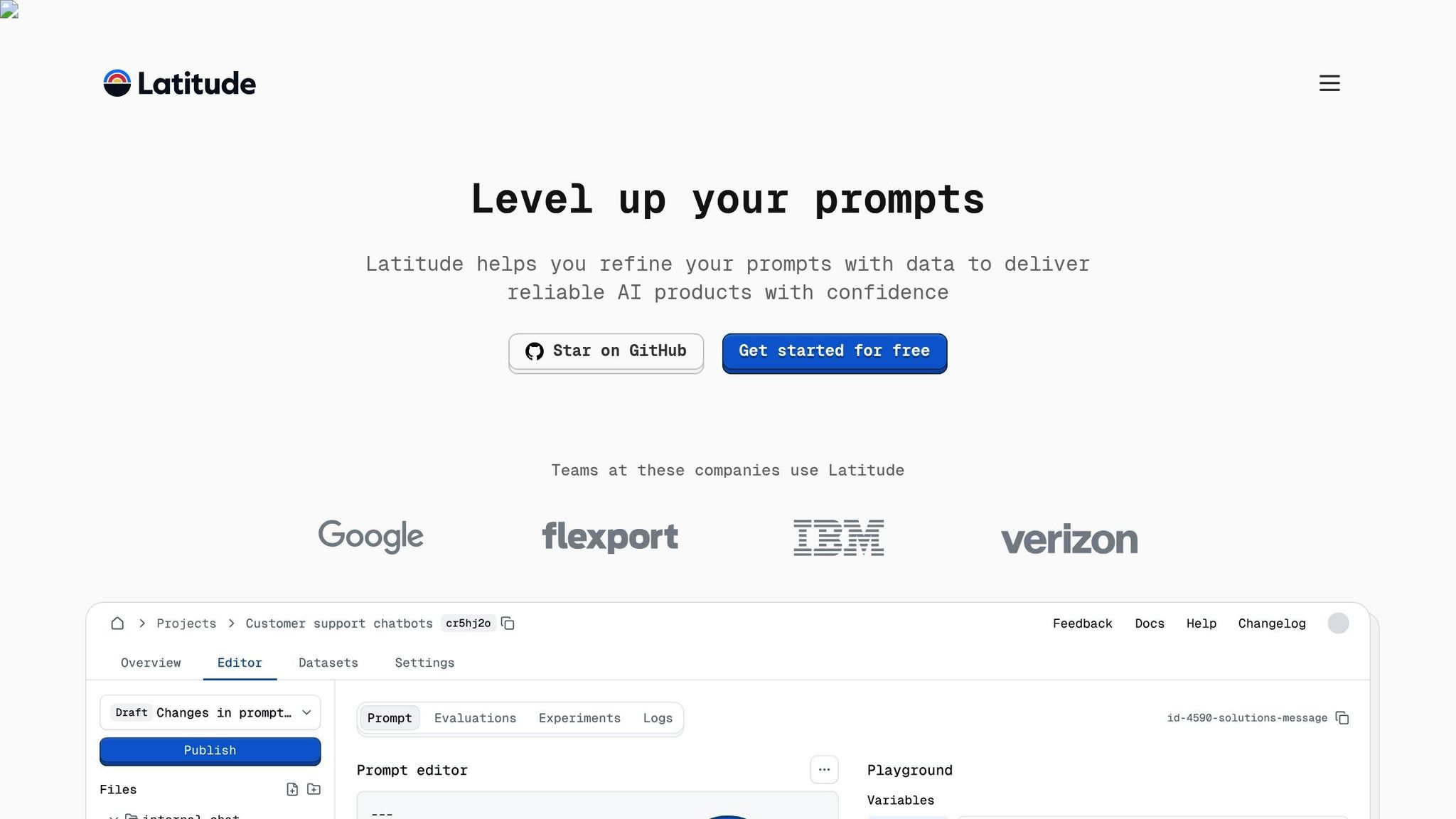
Latitude, an open-source platform, allows domain experts and engineers to collaborate in real time. Teams using it often achieve 3-5 daily commits on successful projects.
Getting Started
To ensure a smooth implementation, follow these steps:
- Process Assessment
Conduct a detailed workflow audit to pinpoint areas ripe for automation.
- Documentation Framework
Create shared documentation standards across teams and set up version control systems.
- Monitoring Setup
Deploy monitoring tools to detect risks, track cycle time improvements (target: 25-40%), and measure cross-team contributions (aim for over 60% participation).