
Connect your traces
Send production sessions through OpenTelemetry, or bring the traces you already have.
One score across outcome, reliability, cost, speed, and safety.
Find what’s holding your agent back. Know what to fix next.
Your production sessions. An open methodology.
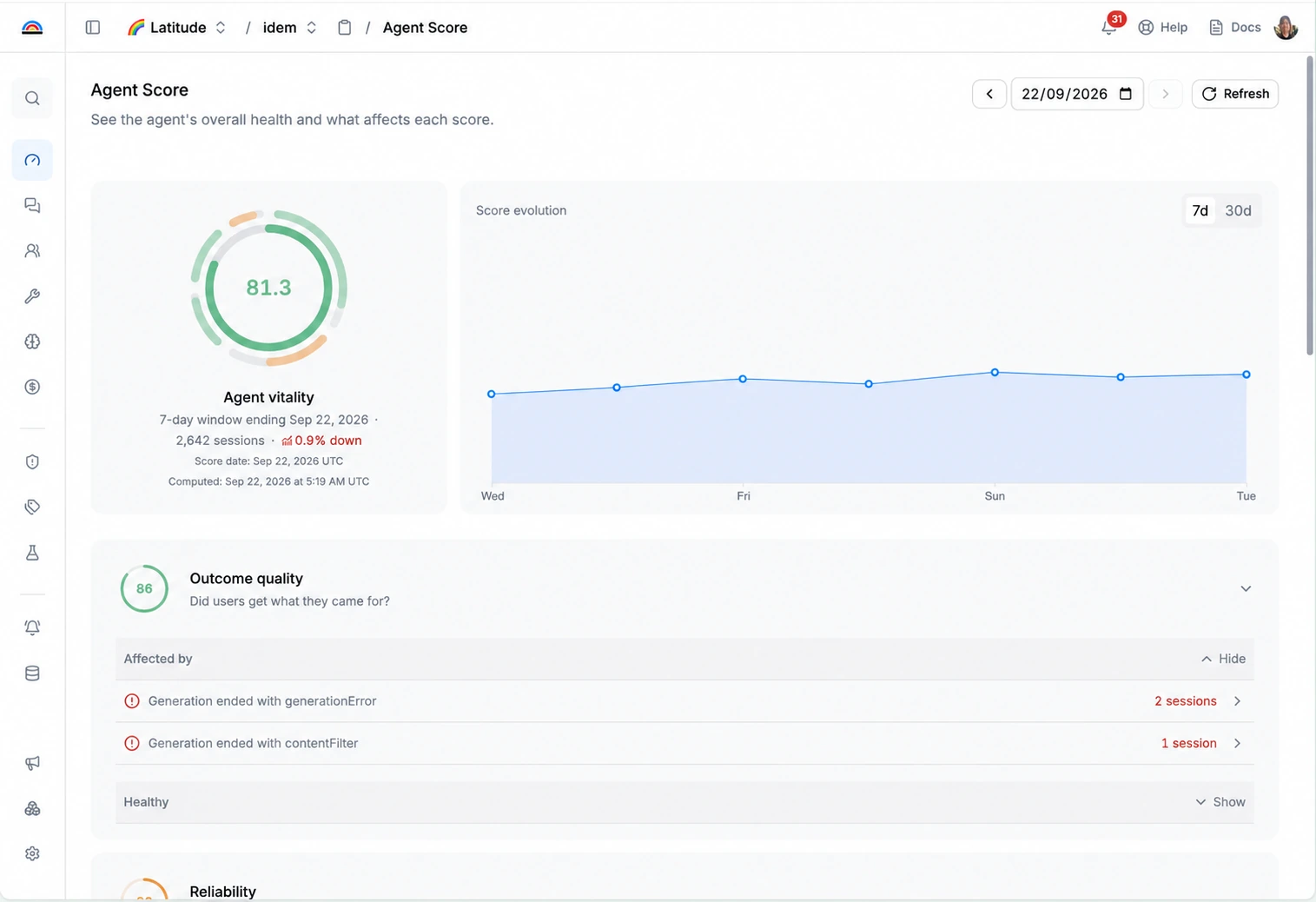
Every production session is evidence. Latitude turns that evidence into a score you can understand, act on, and improve.
Send production sessions through OpenTelemetry, or bring the traces you already have.
All five dimensions must pass traffic, coverage, and confidence gates before a score appears.
See what lowers your score, inspect the sessions behind it, and prioritize the fixes that matter.
A fast agent that gets the answer wrong is still getting the answer wrong. Agent Score looks at the five dimensions that matter together.
See Agent Score in LatitudeDid the agent complete the user’s task?
Look beyond a plausible answer. Understand whether the session actually delivered the intended result.Did the session finish without an operational failure?
Surface unhandled errors, failed tool calls, and terminal failures that prevent completion.How much avoidable token or tool waste occurred?
Find redundant calls, repeated context, and work your agent didn’t need to do.How much avoidable delay affected the session?
Identify slow retries and sequential calls that could run in parallel.Did the agent cause confirmed harm?
Investigate evidence of destructive actions and policy violations in real sessions.Go from a dip in your score to the sessions behind it. Then turn those failures into evaluations and fixes.
Surface recurring issues and the dimensions they affect.
Inspect the real production sessions behind each failure.
Track the same behavior across new production sessions.
Bring the evidence to your coding agent through MCP. Track what happens after the release.
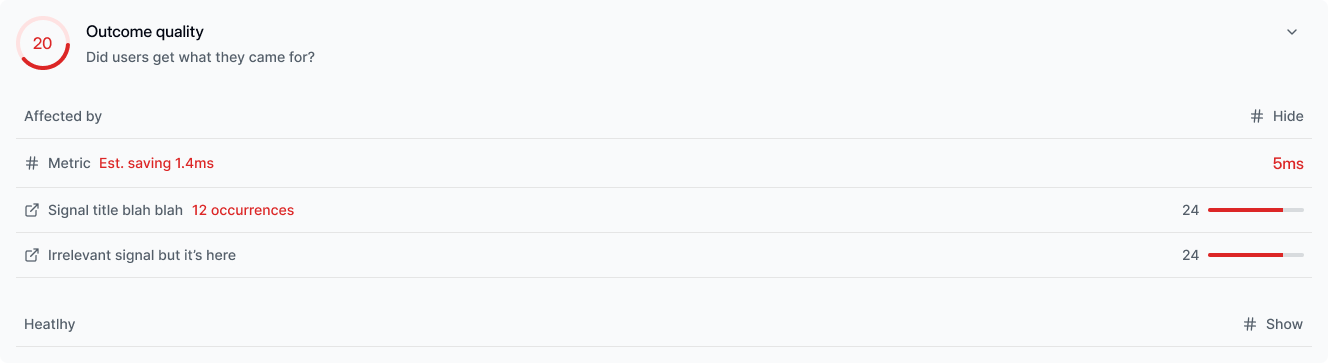
Know what goes into the number. Know how much evidence supports it. Know when there isn’t enough.
Explore Latitude on GitHubBuilt from production sessions, grounded in what your agent actually did.
A minimum of 1,000 eligible sessions, with coverage and confidence gates across all five dimensions.
The shortest whole-week window of 7, 14, 21, or 28 days that meets the eligibility requirements.
Every score includes a 95% confidence interval. Insufficient evidence means no score yet.
Connect your production traces. Let the evidence do the talking.
Install the Latitude AI skill from github.com/latitude-dev/skills and use it to add tracing to this application with Latitude following best practices.